Frame time is a user-facing reliability measure
A scene that stays smooth on a desktop may stutter on a standalone headset. CPU load, GPU overdraw, memory pressure or a slow game-service response can cause the difference. Tie performance traces to the player's action; average frame rate alone cannot show whether a control became difficult to use.
Keep graphics separate from game authority. The GPU draws pixels; it does not decide wagers or settlement. The client displays state returned by the service, and an animation represents only an accepted event. If rendering pauses, game records and balances must stay correct.
Set separate targets for each device class: frame time, loading, memory, input response and fallback. One average frame-rate target cannot cover every scene. Short demos may miss problems caused by heavy graphics, longer play or heat.
Find whether the CPU, GPU or network owns the delay
A slow frame may come from JavaScript, scene updates, draw calls, shader work, texture uploads, GPU fill or resource contention. Delayed game state may instead reflect network, queue or account service. Profile each path, showing CPU/GPU use, memory, requests, frame times and game-state timestamp.
Common bottlenecks and practical remedies
- CPU scene update
- Symptom:Frame time spikes as many objects animate.· Remedy to test:Reduce per-object work, reuse data and update distant decoration at a lower rate.
- GPU overdraw
- Symptom:Transparent effects or large surfaces dominate rendering.· Remedy to test:Limit layered transparency, particle area and unnecessary full-screen passes.
- Shader compilation
- Symptom:First view pauses when a material appears.· Remedy to test:Prewarm common variants and reduce the number of unnecessary shader permutations.
- Texture memory
- Symptom:Stutter or failure when switching scenes.· Remedy to test:Compress assets, stream by scene and release unused resources.
- Network response
- Symptom:Visual scene continues while action state remains pending.· Remedy to test:Show a pending state, measure round trip and prevent duplicate requests.
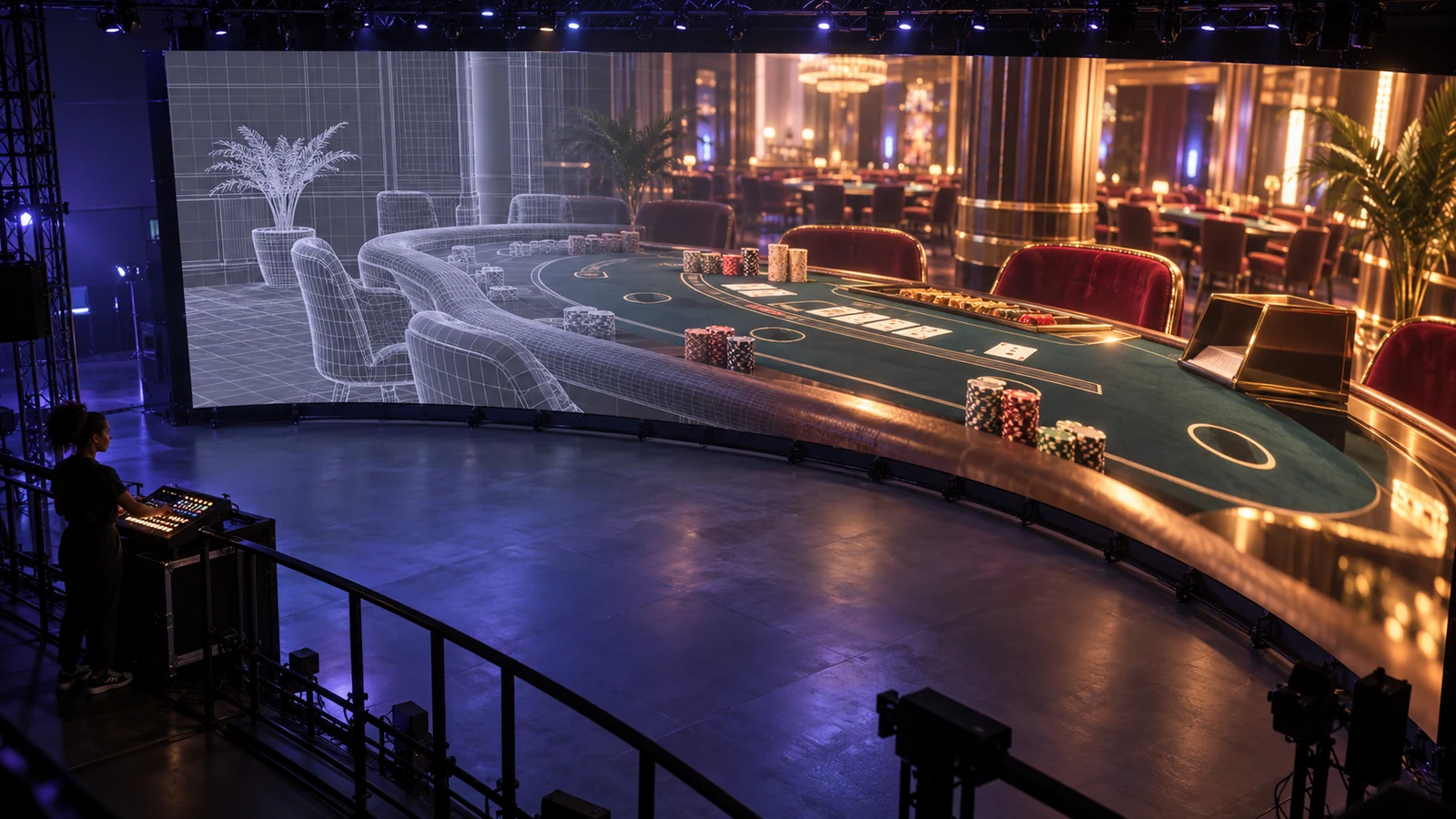
Reduce scene cost without hiding game information
Use detail levels, culling, instancing, baked light and compact textures when they preserve the scene's purpose. Keep a nearby roulette wheel detailed and simplify distant parts; load the visible lobby before decorative rooms. A slot animation can be brief while balance and controls remain on a light overlay.
Set asset budgets by function. Keep critical text, values and buttons stable and high contrast; lower the detail of background objects first. Do not shrink type to save space. Compress textures for supported hardware and provide an alternative when formats vary.
Exercise the full route: lobby, table, round, return, account controls, game switch and wake from sleep. Memory leaks may appear in those transitions, not at first launch. Log the sequence and device conditions with each performance report.
WebGL and WebGPU need feature detection
Browser graphics depend on device, browser build and GPU driver. Detect features at launch, then test context loss, memory pressure and fallback on the profiled hardware. A version number alone cannot guarantee a shader or compute task will work.
Begin with semantic HTML and a working flat view. Check graphics support, adapter and required features before initialising the renderer. If GPU access fails, keep the fallback readable and preserve authentication and game-state checks. WebGPU requires a secure context, so serve the page from a secure origin.
Plan for context loss. Pause graphics, retain server state, show a text notice and attempt controlled restoration. Rebuilding canvas must not resend a wager; use an idempotent request ID and verify the round after reconnect.
Live performance changes how an animation should behave
Base animation on time, not frame count. Low frame rate must not delay settlement or alter the visual outcome. Use a monotonic clock for local motion and server time for game events. Interpolation can smooth positions, but snap to authoritative state when the service accepts an action or records a result.
Measure controller-to-photon delay on the actual headset as well as frame rate. Time the interval from input to visible acknowledgement under load, then separate it from the server round trip. That identifies whether the lag is in rendering, network or game service.
Measure live-video lag separately from rendering delay. A smooth overlay may sit on stale footage. Show feed status and capture time in operator tools; do not make buffered video imply that a dealer or table action is happening now.
Profile the target device, not the development workstation
Record GPU family, memory, browser, OS, resolution, runtime and power mode in the device matrix. Include sustained heat, variable networks and background interruptions. Test low-power and busy scenes; a workstation can hide shader, upload and memory costs that appear on phones.
- Measure median and high-percentile frame times by device and scene.
- Track first meaningful interaction separately from first rendered frame.
- Record GPU context loss, out-of-memory failures and restoration time.
- Measure input-to-visible-response and request-to-server-confirmation.
- Check text and control contrast when the scene reduces quality.
Set alert thresholds against user actions, not just graphics benchmarks. A few frame spikes can cause a misclick on a critical control. Include safeguards for accidental wagers, duplicate requests and unsettled rounds.
Rendering degradation must preserve a clear path
Reduce effects in steps: shadows, background motion, geometry and then lighting complexity. If stability does not return, switch to flat mode. Keep the game controls apart from scene rendering so a graphics fault cannot disable rules, account settings or support.
New Zealand requirements include limits, time information, self-exclusion and real-time support. Those controls must survive graphics failure. After a crash, verify that game state follows the documented interruption rule, including whether the wager is voided or settled under customer protections.
Rendering fallback ladder
- 1 Change:Reduce post-processing and decorative particles.Must remain available:Game state, stakes, balance and controls.
- 2 Change:Lower texture resolution and simplify distant assets.Must remain available:Rules, odds, time and readable result.
- 3 Change:Pause the 3D scene and use a static table representation.Must remain available:Account safety tools and server-held game state.
- 4 Change:Offer a flat interface or safe exit.Must remain available:Session recovery and support path.

Use acceptance criteria that connect graphics to product value
Compare a standard and reduced scene. Both need readable information, predictable input, safe account actions and recovery on supported hardware. Record removed effects and task impact; measure completion, errors, load, input delay, frame-time percentiles and help requests. Do not favour graphics quality when core use becomes less reliable.
On each device, record frame-time percentiles and missed frames by game phase. Averages can conceal a pause exactly when a wager, result or safety control needs to register.
Keep a performance trace with each report
When stutter occurs, capture device, browser or runtime, graphics API, scene, build, memory, frame trace and user action. Note whether it follows long use or only first load. This gives engineers a reproducible case instead of a general complaint.
Put the trace, device profile and request ID in one incident record so another engineer can reproduce the delay.