AR works best when it clarifies a real interaction
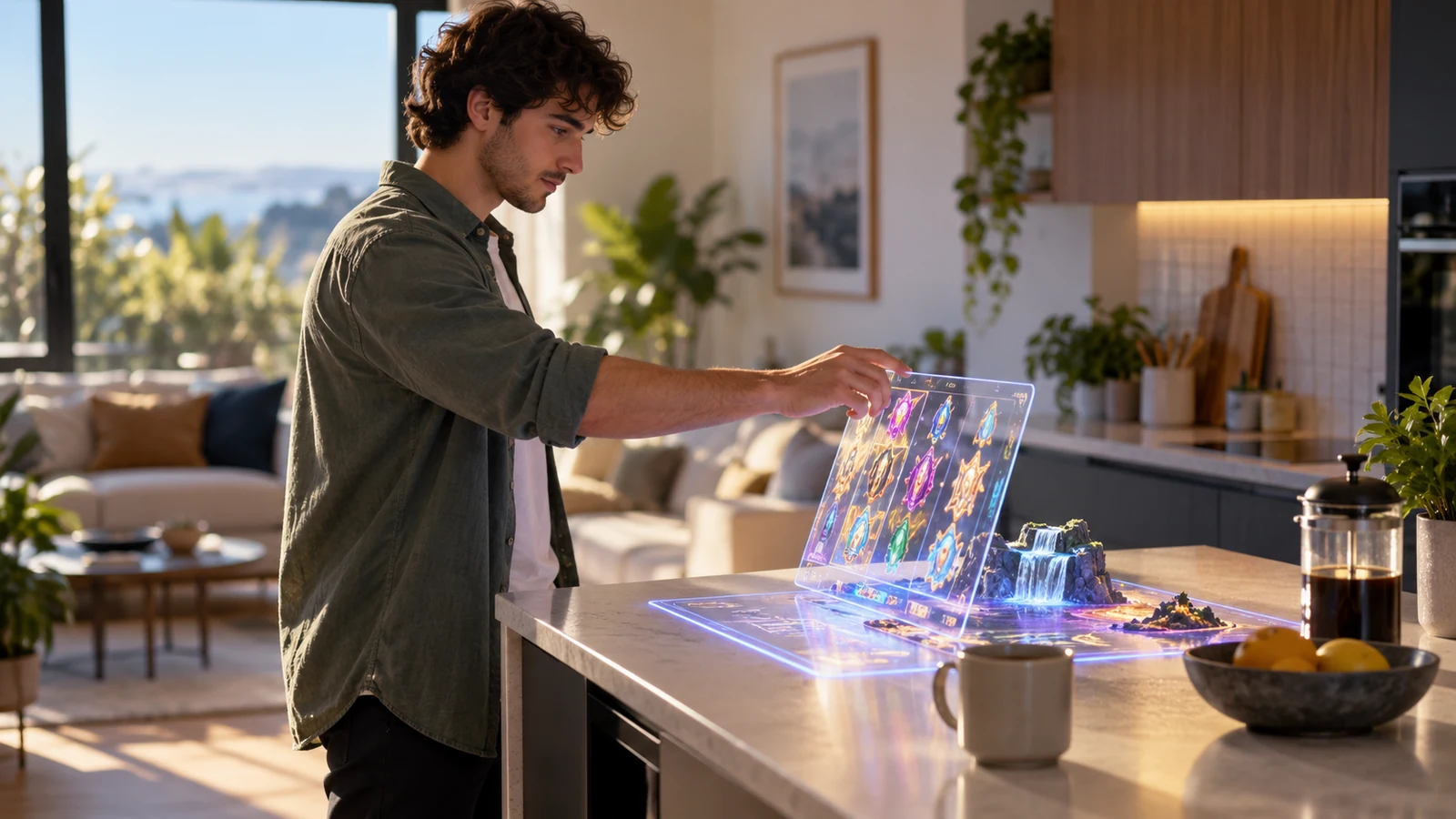
Place a roulette wheel on a kitchen table and augmented reality's appeal is easy to see: the player can shift attention between the room and the game without switching screens. The practical questions follow quickly. Where should the stake, rules and timer appear if the scene shifts, camera access is refused or the table anchor drifts? The interaction works only while those everyday details remain readable.
The design test is functional: does spatial placement remove a step, clarify a control or support a social activity that a flat screen handles poorly? A decorative stack of virtual chips can obscure the balance and add effort. A readable balance panel fixed to the table edge may make the game state faster to scan. Task time, input mistakes and exits from the table view provide measurable checks.
For New Zealand teams, an AR demo and a wagering product have different risk profiles. A prototype that displays a table without accepting stakes is not equivalent to an AR casino game. Advertising and operator obligations follow the service and its audience, not simply the rendering method. The Department of Internal Affairs reported an advertising prohibition during the 2026 licensing transition; legal review is needed before a market-facing release.
Three placements with different jobs
| Pattern | Useful job | Primary failure test |
|---|---|---|
| Table-top scene | Let a player inspect a game surface from a chosen angle while keeping essential controls in a stable panel. | Can the person read stakes, rules and account balance without leaning or moving the phone repeatedly? |
| Spatial tutorial | Show a control or sequence in place, such as where a card is dealt or which area changes a bet. | Can the same explanation be completed through text, touch and a standard screen reader flow? |
| Room-scale social layer | Give people a shared visual point of reference for a host-led session or a demonstration. | Does the room add collaboration, or does it only add avatars, movement and latency? |
Every AR pattern needs a conventional fallback. A player may refuse camera permission, tracking may fail, or the device may lack a supported immersive mode. Rules, odds, limit settings, account history and the exit route must remain available in the standard interface. This fallback belongs in the normal product flow; it is not merely an error screen.
How the camera view becomes a stable overlay
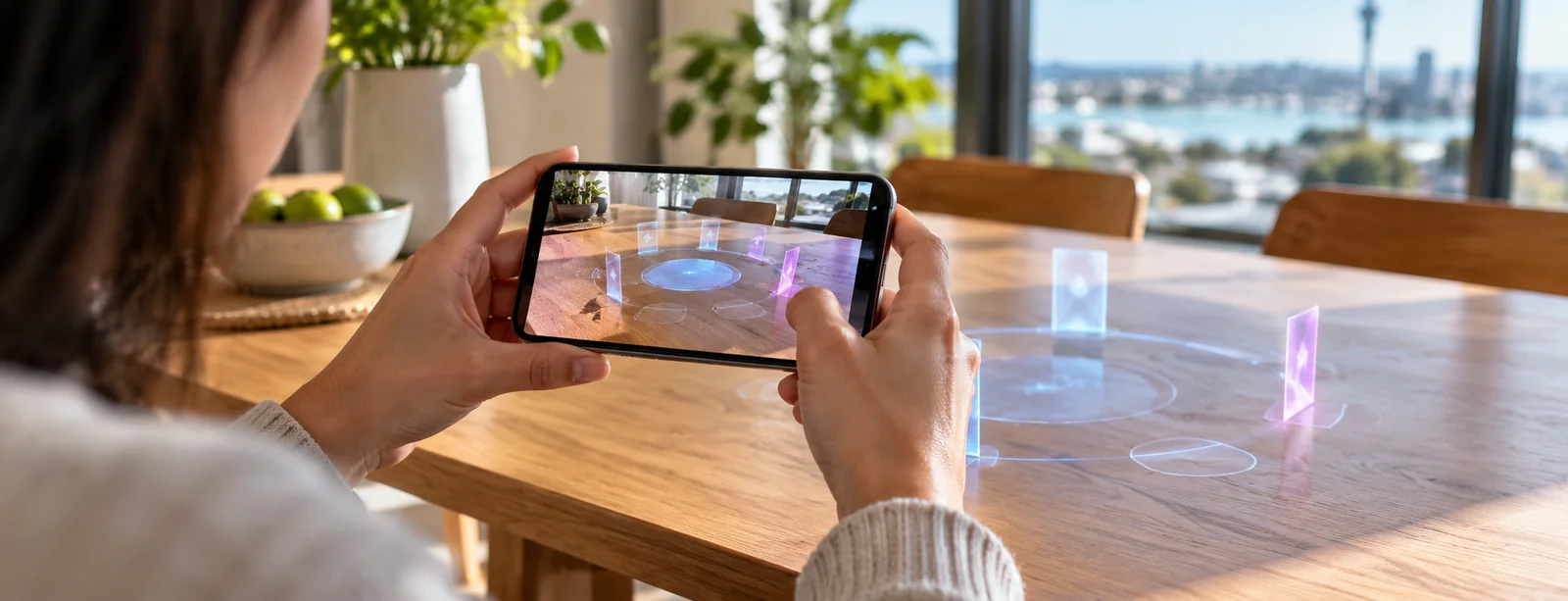
A phone-based AR session begins with permission and capability checks. Software estimates camera position, detects a plane or visual feature, then places an object in relation to it. As the user moves around the table, rendering updates so that object appears fixed in the room. Lighting, surface confidence and motion tracking affect stability. If an overlay drifts, controls can feel unreliable even when the wager record itself is correct.
Marker-based tracking relies on a known visual target. It suits prepared spaces and gives users an obvious calibration cue, but obstruction or poor lighting can break it. Markerless tracking instead combines scene features with device sensors to estimate position. Setup may feel more natural, although blank tables, reflections and fast camera movement reduce stable visual input. Show when an anchor is being placed or has been lost; do not let a control drift without explanation.
WebXR lets browser content reach immersive hardware, but a shared API does not make hardware equivalent. Record the browser, operating system, headset, input method and fallback in a product matrix, then note which AR task works on each supported combination. The matrix should include designed responses for refused permission and devices without plane detection, rather than a blank screen.

Protect the critical information layer
The room and the AR layer compete for attention. Keep balances, game state and actions on a stable, high-contrast plane. Pair chip colours and shapes with text so an amount never has only one representation. Controls need to remain thumb-sized while the camera moves. Required messages should stay clear of hands, bright windows and the edges of a narrow field of view.
- Separate decorative objects from controls so a collision or hand gesture cannot place a wager by accident.
- Use a confirmation step for consequential actions and show the amount in text before it is committed.
- Keep game rules, odds, net position and time visible through a stable panel that can be opened without losing the AR scene.
- Provide a pause control that does not require the user to look at a moving object or make a precise gesture.
- Make camera and microphone state explicit, including the reason each permission is needed.
Keep a compact fixed control area visible in the camera view for two tasks during play: checking time and opening account limits or a break. Test those routes after the overlay shifts and when camera permission is refused. The game can occupy physical space; access to a control must not rely on the spatial anchor.
What changes on a phone in Aotearoa New Zealand
Mobile AR uses the handset camera, screen, motion sensors and input controls as one system. These demands increase heat and battery use while competing with calls, notifications and permission prompts. Connectivity may also shift from a strong home network to a weaker mobile link during a camera session. The authoritative service must supply game state: an animation on screen does not establish that a wager was accepted or settled.
Use local time zones, currency formats and realistic network conditions in testing. A New Zealand dollar value must remain readable in a narrow layout, and daylight-saving changes need a consistent date-and-time rule. Under low bandwidth, preserve controls and account information while reducing textures, animation detail or remote scene effects.
AR is not suitable for every room or body. Users may be seated, have limited mobility, use one hand, experience motion sensitivity or share their space. Provide a fixed viewpoint and touch input. Request only the camera access needed for the selected experience; markerless tracking alone is not a reason to upload room images to a server.
Measure usefulness without rewarding longer sessions
Engagement measures can mistake novelty for usefulness. Session length, camera activations and repeat visits do not show that an overlay improved understanding. Pair a task measure with a safety guardrail: for example, test whether people can locate rules, change an accessibility setting or close a session unaided. In production, track failed anchors and abandoned AR launches separately from the reachability of limits and time-outs.
| Question | Measure | Guardrail |
|---|---|---|
| Can people locate critical controls? | Completion rate and time to open rules, limits or account status. | No increase in accidental actions or missed confirmations. |
| Does spatial placement reduce ambiguity? | Correctly identify the active game state after a neutral task. | Test with AR disabled and with camera tracking deliberately interrupted. |
| Does rendering remain usable? | Anchor loss, dropped frames, thermal warnings and recovery time by device class. | Do not infer user satisfaction from high device time or long sessions. |
| Is the privacy design proportionate? | Permission refusal, image retention and access-log review. | No room imagery retained unless a documented purpose requires it. |
Release gates for an AR gambling feature
Before a wagering AR feature ships, product, engineering, privacy, security and legal owners should agree on its boundaries. Record the authoritative game states, recovery behaviour after tracking or network loss, and treatment of an action shown on screen but not accepted by the service. Define supported devices from measured tests, not from a headset logo or browser version alone.
A release review can test four points: whether the task still works without AR; whether each money action requires deliberate input; whether limits and safer-play tools stay within one or two predictable steps; and whether the feature collects or infers more personal information than its purpose requires. Record the answers as test evidence instead of leaving them as design assumptions.
During acceptance testing, move the overlay, revoke camera permission and open the account panel during an active game. Check that the timer, stake and break route stay visible, then repeat with the phone held at several angles. Use the failure state observed in these tests to inform the launch decision.