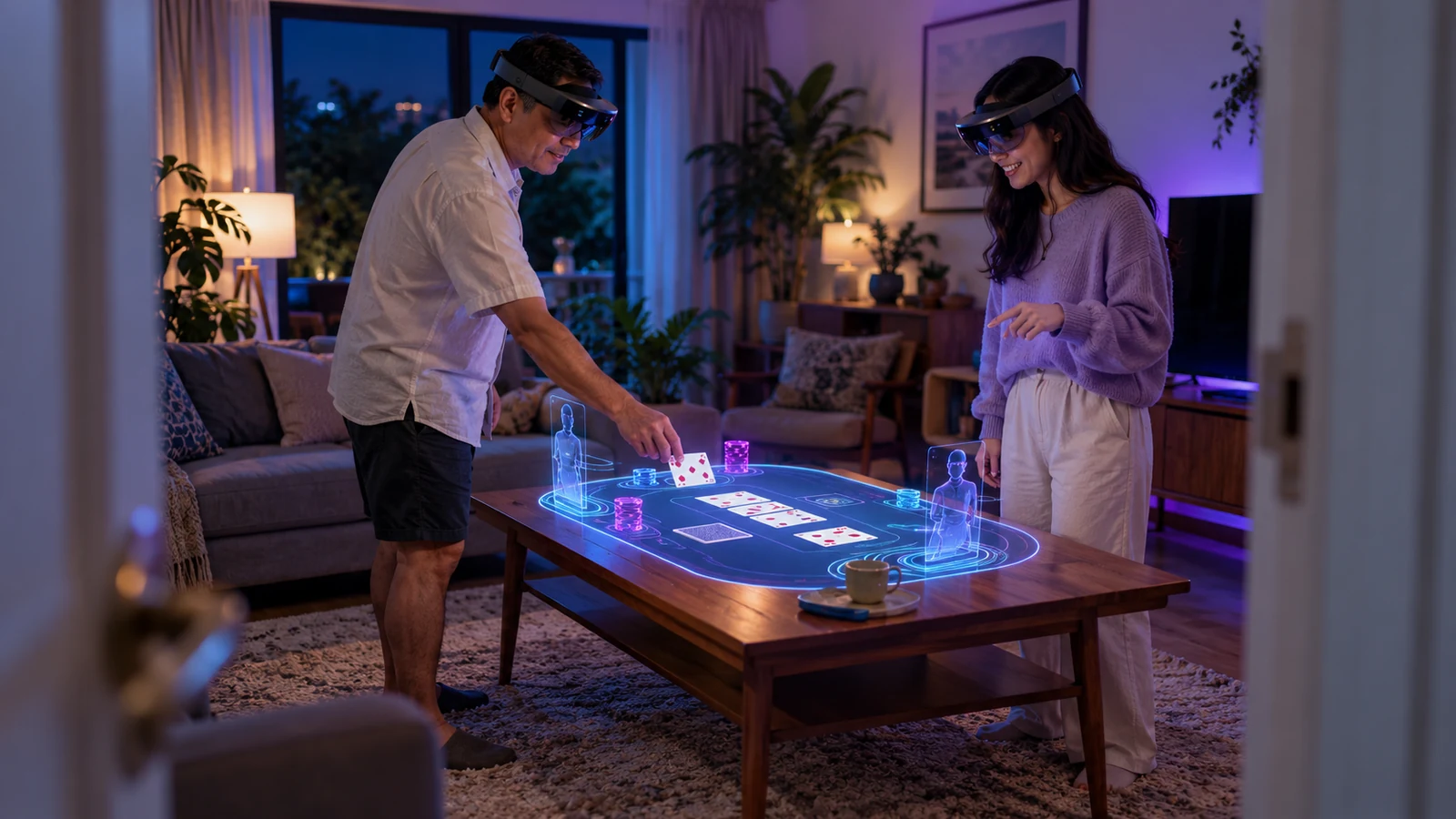
Mixed reality makes physical space part of the interface
A virtual table on a real desk feels convincing only while both spaces line up. When its anchor drifts, a chip may seem to pass through an object or a control can move beyond comfortable reach. Define placement, occlusion and recentering alongside game rules. The camera view is an active interface layer, not scenery.
Spatial computing helps when the room supports the task: sitting with a dealer, viewing a shared layout from a chosen angle or keeping a small game beside other activity. The room must not create pressure. Do not move objects toward players, block exits, hide household hazards or let a time alert vanish behind a virtual wall.
Immersion ranges from camera passthrough to an opaque VR scene to a phone-held overlay. Each mode changes how much of the real room remains visible. Explain which mode the feature uses, which sensors are active and how to return to an ordinary interface.
Map each layer to its own source of truth
A mixed-reality product joins device tracking, the scene graph, game service, account data and sometimes live video, with each layer updating at its own pace. Head movement may refresh quickly, while an outcome comes from the server and video has separate latency. Treating them as one timeline can mislead. Keep wagers pending until accepted, and retain the settled result as text if an object is misplaced.
- Room layer:boundary, floor, chair, table and permitted safe interaction area.
- Tracking layer:headset pose, controller or hand input, spatial anchor confidence and recentre state.
- Experience layer:virtual table, cards, wheel, panels, avatars and captions.
- Game layer:rules, accepted action, round phase, result, stake and net position.
- Account layer:identity, payment state, limits, time-outs, self-exclusion and support.
A rendering problem must not change game state. If an object loses its anchor, freeze or hide it, preserve the text status and offer a safe recenter or exit. When the account service is unavailable, stop accepting wagers even if the scene still appears live.
Spatial placement needs collision and visibility rules
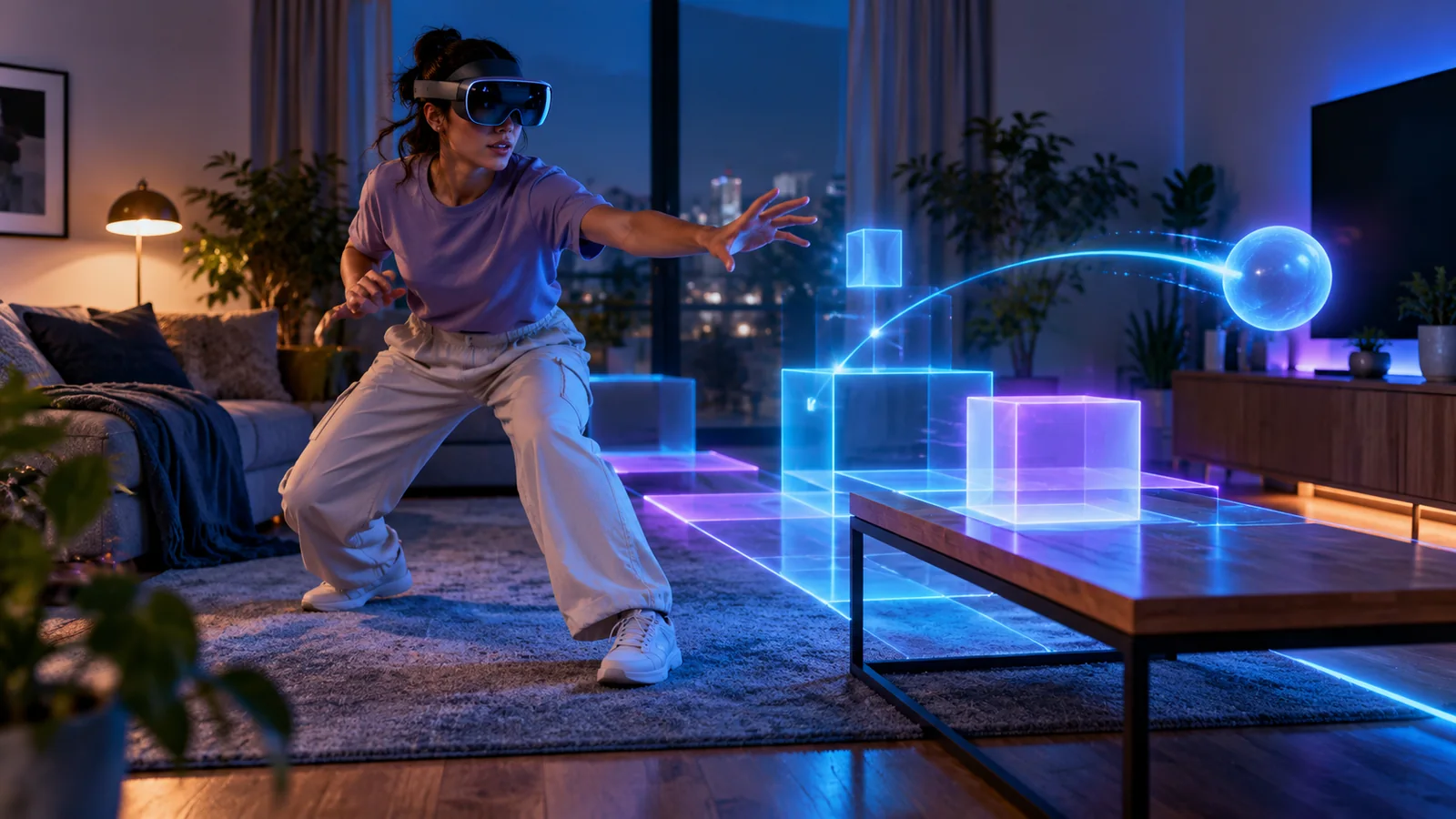
Decide which details may sit on physical surfaces and which need to stay within the player's view. A table game can be anchored to a desk, but a time-out notice should not be hidden by a virtual chair. Keep a balance panel at a comfortable distance and anchor room avatars to seats. Define behaviour for default, seated and low-mobility use.
Boundary detection can help keep play inside a safe area, but it cannot guarantee that the area is clear. Reflections, dim light, moved furniture and quick turns affect tracking. Leave physical boundaries visible, avoid tasks that require standing or reaching across a table, and pause if someone crosses a safety boundary. Include an immediate overlay-off or system-exit option that needs no controller.
Set a limit for visual clutter: every floating panel competes for attention and may cover a real object. Prioritise safety notices, game state, money, controls, rules and then decoration. If text is enlarged, reflow the panel into a readable list instead of shrinking type to fit a fixed card.
Privacy depends on what the system infers
A headset may use cameras and sensors to estimate room shape, hands, gaze and body motion. Processing can remain on-device or send images, features or events to a remote service. Describe the real data path instead of saying only that the app uses sensors. Name active inputs, purpose, whether raw images leave the device, retention period and vendor access.
Collect only sensor data needed to anchor the object, then discard scans or derived hand features once they are no longer required. Adding identity matching, age estimation or social categorisation creates a new purpose; pause that feature until a separate privacy assessment is complete.
Before launch, document necessity, effectiveness, safeguards and proportionality for biometric processing. Use a less intrusive authentication option when it meets the same security goal. Do not infer emotion, attention or gambling risk from gaze or movement without a lawful, necessary purpose and evidence-based policy. Sensor capability alone does not justify collection.
Keep gambling controls independent from the room
A virtual object must not have authority to start or resume a wager. The account service should assess each request, then the scene can show the result. If the scene persists after headset sleep or network loss, it must not hold an action for later submission.
New Zealand's 2026 minimum standards call for a separate deliberate action to start each new round, a minimum interval between rounds, time tracking, game rules and net-position information. Translate them into interface checks: a held grip cannot repeat a wager, gaze dwell cannot launch play, time stays visible in full-screen mode and opening rules does not start a round.
Classify each component by the action it enables and the service's role. A no-wager room, a link to an operator and a game that accepts stakes may raise different advertising and market questions even in one shared scene. Record that classification before development applies a single interface to all three.
Accessibility requires more than controller remapping
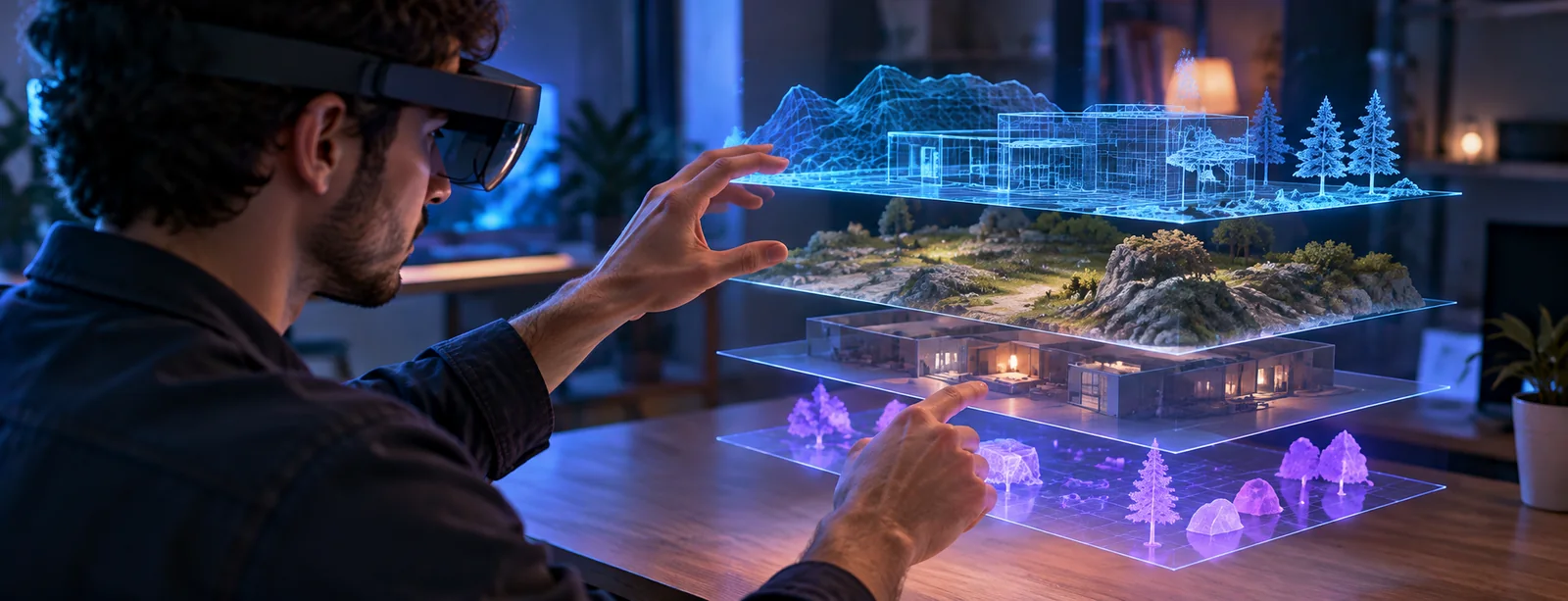
Offer seated use, limited reach, one-handed input, reduced motion, text scaling, contrast controls and audio alternatives. Menus should still work if a hand-tracking camera is covered, controllers are absent or gaze selection is unavailable. Provide visible focus, predictable back behaviour and a flat account mode. The room must remain usable if the app pauses or the headset comes off.
Carry essential cues across channels: pair sound with a visible state, gestures with named buttons, colour with labels and spatial placement with a text list. Allow reduced motion and avoid flashes that can cause a physical response. WCAG 2.2 offers testable web criteria, but headset scenes add movement, comfort and depth risks. Test with disabled users on the actual MR hardware; a browser audit does not cover the full experience.
Test failure states before adding more immersion
Mixed-reality failure-mode review
- Spatial anchor drifts
- Player-facing response:Hide the misplaced object, preserve text state and offer recentre or flat view.· Evidence to retain:Anchor confidence, device class, event and recovery interval.
- Network drops mid-round
- Player-facing response:Show pending status and prevent a duplicate start until the server resolves it.· Evidence to retain:Action ID, game event log and account settlement record.
- Camera permission is refused
- Player-facing response:Offer the non-camera interface without repeated pressure to grant access.· Evidence to retain:Permission path and successful fallback completion.
- Boundary warning appears
- Player-facing response:Pause consequential interaction and preserve a clear view of the room.· Evidence to retain:Boundary event, device response and session state.
- Safer-play limit is reached
- Player-facing response:Block the next wager at the account layer and show the reason in a stable panel.· Evidence to retain:Limit evaluation, display event and any attempted game request.
For a New Zealand release, test camera-off operation, seated input, reflective rooms and low bandwidth within the same account setup. Permission handling and accessible alternatives must coexist with game state so safety controls remain available when tracking or an overlay is disabled.