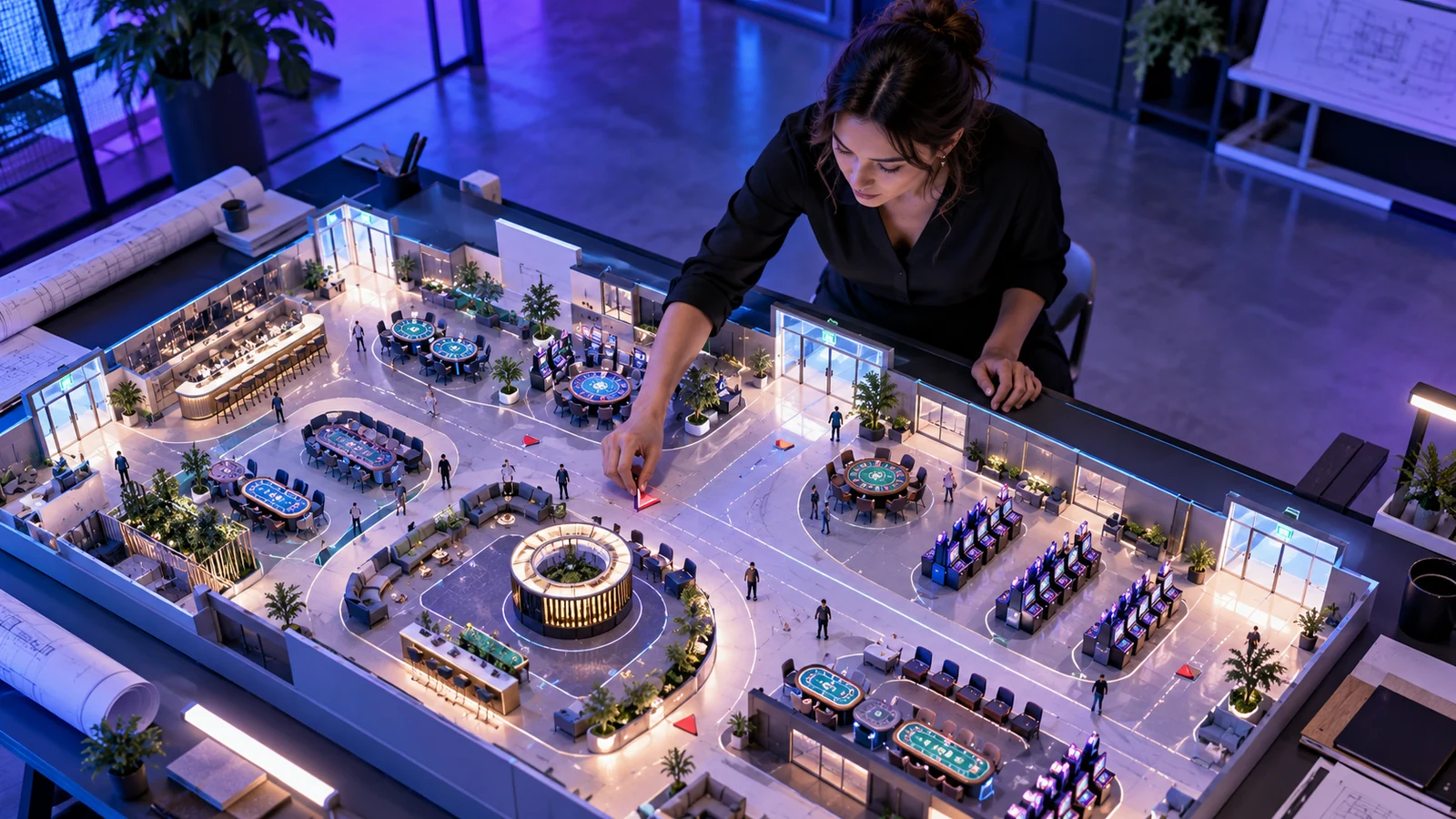
Why virtual casino architecture should not copy physical floor traps
Brick-and-mortar casino floors were historically laid out with winding walkways, concealed exits and absence of natural clocks to lengthen foot traffic. Replicating those spatial habits inside a virtual reality or 3D web environment harms usability and violates modern safer-gambling design principles. In a digital spatial environment, forcing a user to walk an avatar across a vast 3D hall just to switch from blackjack to roulette or to check their account statement adds locomotion fatigue and motion discomfort.
Effective virtual casino architecture treats 3D space as an orienting context rather than an obstacle course. Sightlines should remain open, zones should be visually distinct, and every destination-including game rules, cashier history, limit settings and the exit door-must be reachable both through spatial selection and through an instant two-dimensional quick-menu.
Zoning a virtual gaming floor for legibility and frame stability
| Environment zone | Functional purpose | Rendering & audio budget | Player protection requirement |
|---|---|---|---|
| Orientation Atrium (Entry Hub) | Establish horizon reference, comfort preferences, audio levels and direct teleport nodes to table rooms. | Static baked lighting, low draw-call geometry (< 60 draw calls), calm ambient acoustics. | Display session limit configuration and account summary before entering any wagering zone. |
| Active Table Pod | Focused seating around a single blackjack, baccarat or roulette table with clear dealer and felt sightlines. | High-resolution PBR materials on cards/chips; background crowd geometry culled or LOD-reduced. | Persistent clock, NZD balance and 1-click Break/Exit control anchored within comfortable gaze range. |
| Quiet Lounge / Break Zone | Non-wagering space where players can pause activity, review round history or adjust settings without leaving the app. | Zero betting triggers, muted promotional visuals, restful lighting contrast. | Immediate access to self-exclusion, cooling-off timers and transaction logs. |
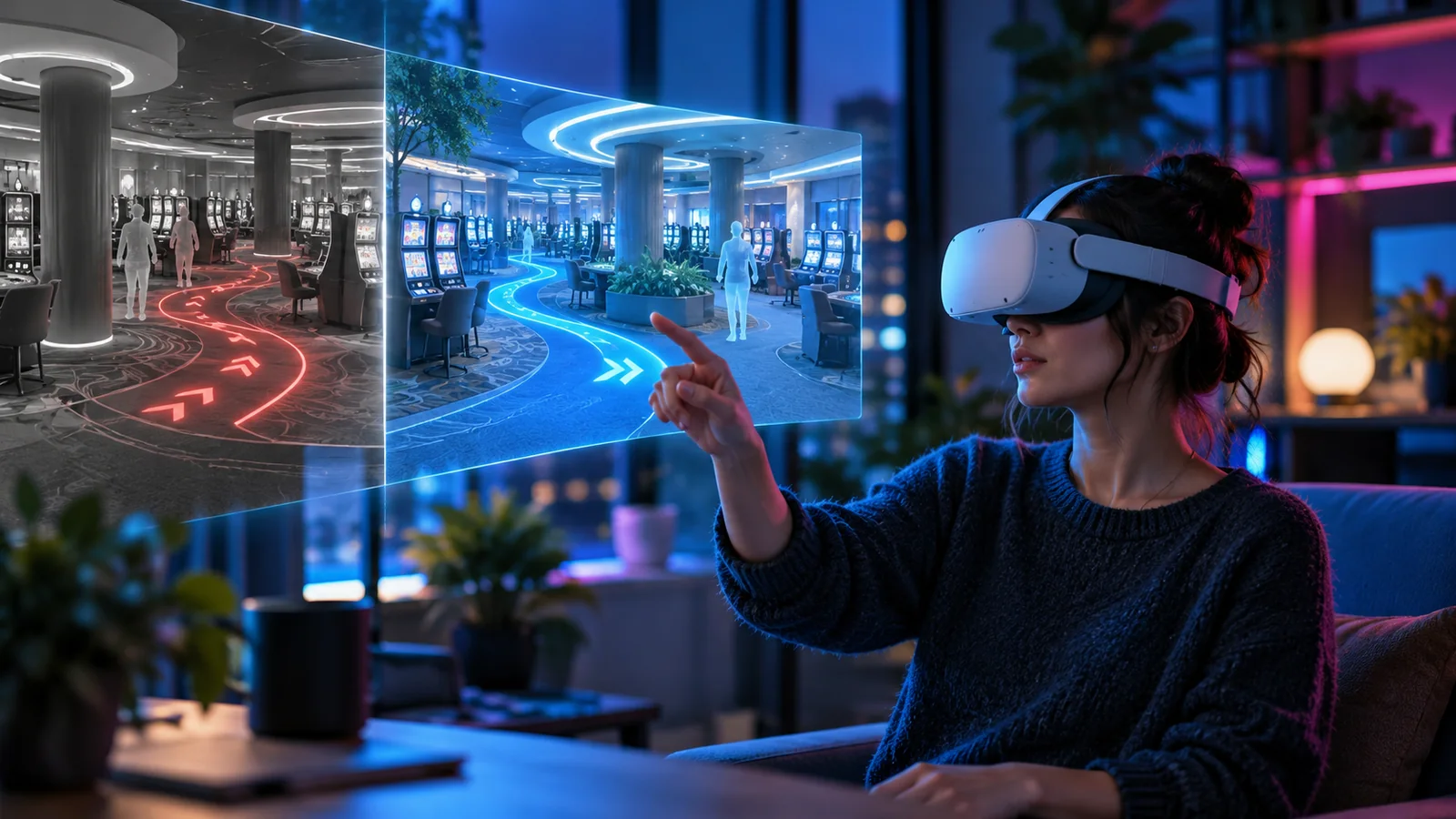
Locomotion, horizon stability and acoustic zoning
Vestibular mismatch occurs when the visual scene moves across the retina while the user's inner ear senses that their body is stationary on a sofa. Continuous joystick walking, ramped stairs and camera bobbing inside a virtual casino lobby are leading causes of nausea and early session abandonment. Design the environment around discrete, predictable transitions.
- Make node-to-node teleportation and instant seat selection the default movement model; offer continuous gliding only as an opt-in setting with dynamic peripheral vignette reduction.
- Maintain a level, visible architectural horizon line across all rooms so the user's visual system always has a stable upright reference.
- Use spatial audio attenuation so table chatter, chip clinks and wheel spins fade naturally beyond 4 metres, preventing acoustic fatigue.
- Provide independent volume sliders for dealer voice, table mechanics, ambient room sound and system alerts.

Scene streaming and Level-of-Detail (LOD) governance
A virtual environment that loads fifty detailed slot cabinets and ten live tables simultaneously will stall mobile headsets and browser tabs. Partition the environment into self-contained visibility cells using portal culling or discrete room instances. Load high-resolution textures (KTX2 with Basis Universal compression) only for the table the player is actively seated at, while representing distant architectural backdrops with lightweight skyboxes or simplified meshes.
Verify scene performance under realistic New Zealand broadband and mobile conditions. If frame times rise above 13.8 ms on a 72 Hz headset or 16.6 ms on a 60 Hz display, automatically step down shadow cascades, planar reflections and secondary particle effects while keeping card faces, numbers and HUD text razor-sharp.