Accessibility begins with equivalent ways to complete a task
A player is excluded before play if the only route requires standing, turning one way or pinching with a hand. Accessibility in AR and VR means equivalent access to rules, settings and account tasks, tested in the real interaction rather than inferred from device features.
For each task, note its default input-gaze, controller, hand, touch, voice, keyboard or screen reader-and provide an equivalent option. Buttons can replace gaze; captions can replace host speech; text panels can replace spatial alerts; controls can replace head movement.
Include rules, odds, balance, time, limits, breaks, self-exclusion, support and account recovery in the task list, not only gameplay.
Vision and information access
Headsets vary in clarity, view angle, lens, brightness and text rendering. Place key information at a stable distance, let users resize and reposition panels, use strong contrast, and keep long text off detailed scenes. Label results, selections and chip values without relying on colour.
Keep essential words outside 3D canvas when possible. Use semantic headings, labels, buttons and tables in browser account panels. Screen-reader users need to inspect amounts and actions; 3D cards need accessible rank and suit text.
Offer a quiet scene with a fixed reference point. Users may choose a static table, no decoration movement or flashing, and still need game-state feedback. Include high contrast and avoid forced head turns.
Movement and input choices
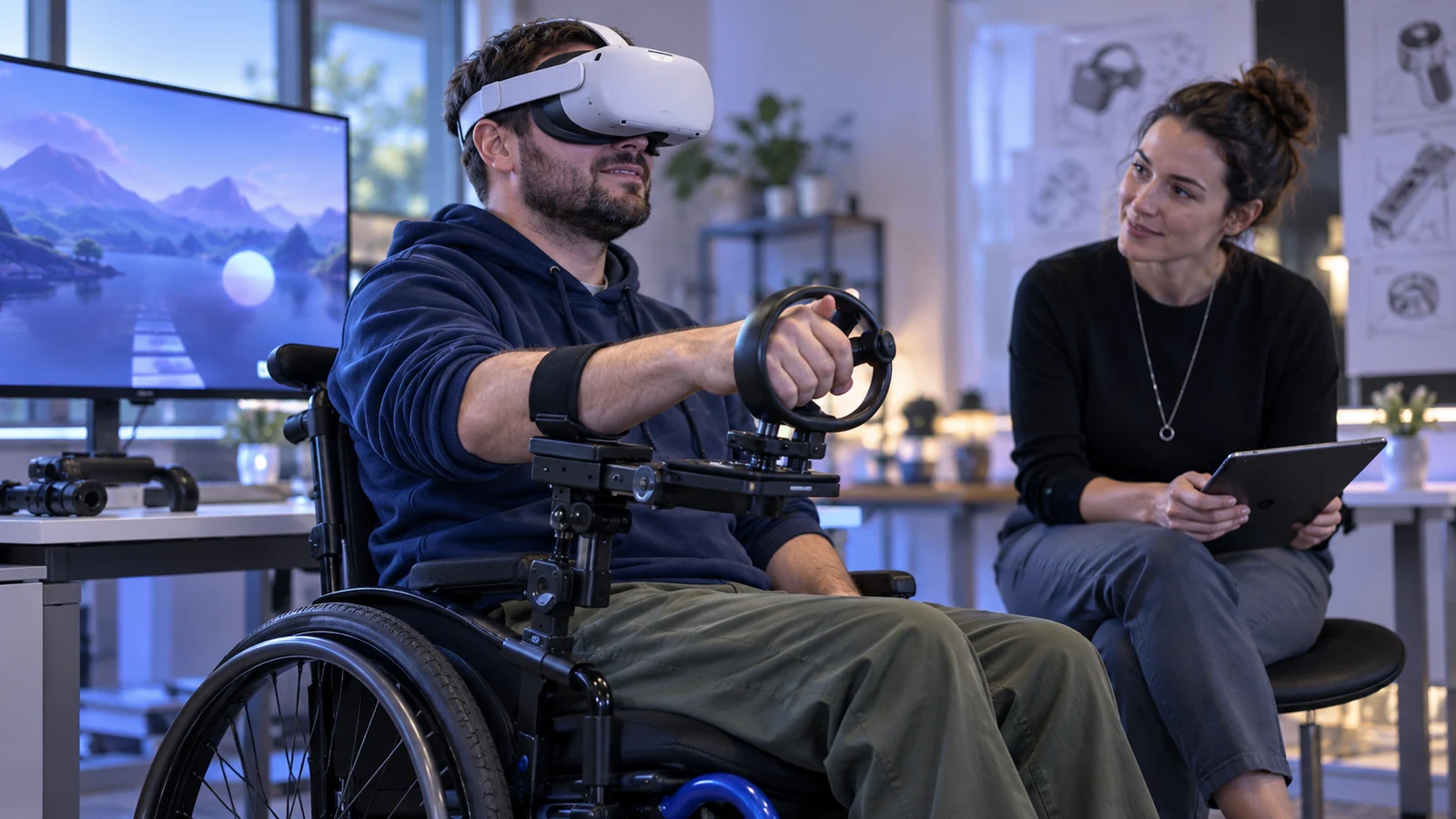
People vary in balance, reach, dexterity, tremor, fatigue and motion tolerance. Support seated and standing modes, table height, left-handed use, snap turns, teleport or no movement, and stable menus. Do not require walking to a lobby or holding a controller high.
Access alternative for common XR interaction
- Hand pinch
- Alternative:Controller press or gaze plus confirm.· What to test:Accidental activation and tracking loss.
- Head turn to select
- Alternative:Pointer, switch input or list navigation.· What to test:Neck effort and focus visibility.
- Walk to a destination
- Alternative:Teleport, seated menu or direct destination list.· What to test:Access to account tools from a fixed position.
- Voice command
- Alternative:Text, button or controller control.· What to test:Works when microphone permission is denied.
- Timed response
- Alternative:More time or adjustable action window.· What to test:Time limits remain compatible with game rules.
WCAG 2.2 includes web criteria for motion actuation and alternatives. Headsets also require checks for fatigue, tracking and sensory comfort. Documentation informs design but cannot replace tests with users.
Hearing and communication access
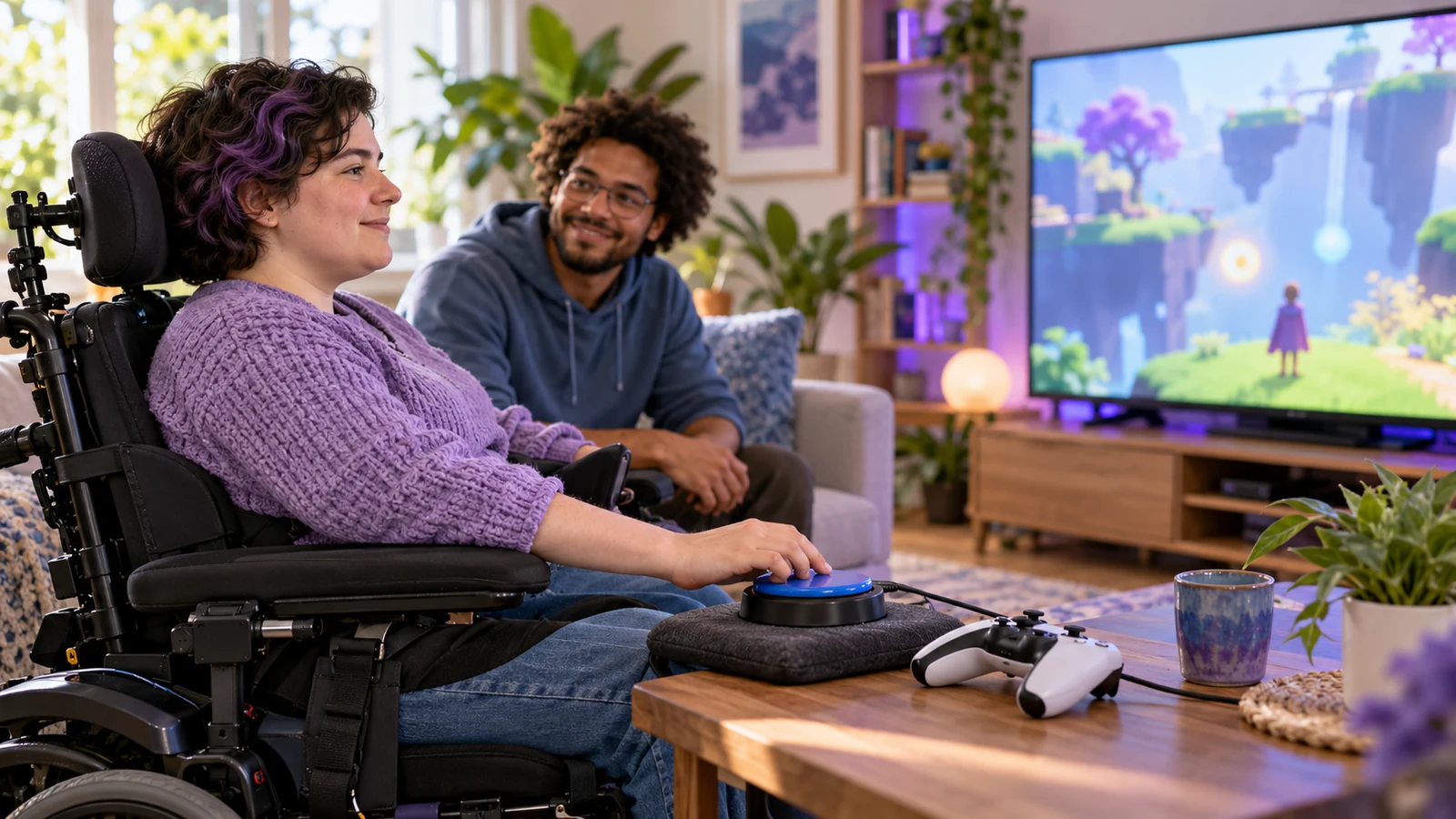
When dealers or hosts explain game state, caption who speaks and meaningful sounds. Keep round phase visible and let people mute audio without losing instructions. A transcript or repeatable text cue helps people joining late.
Align captions with live video and flag any delay. Keep them in a stable, readable panel rather than behind a host or at the view edge. Support text scaling and contrast across scenes.
Do not require voice for sign-language or text users to join or act. Keep support and moderation in writing while leaving speech optional; rules and account tasks must work without it.
Cognitive access and predictable language
Spatial menus are easy to lose. Keep navigation consistent, use familiar labels and show current state. An icon alone should not distinguish stake, break or exit. Allow reading time without moving panels or resetting focus.
Separate information from promotion. Make rules and odds available before play, state what an action does and what confirmation changes. Provide undo for reversible settings, and distinguish immediate limit changes from those with a waiting period.
Offer a quiet mode without ambient announcements or repeated pop-ups. Users should be able to pause and resume with context intact, without being pushed straight back into play.
Apply New Zealand standards accurately
WCAG 2.2 is a W3C Recommendation for web content. New Zealand Government Web Accessibility Standard 1.2 requires WCAG 2.2 AA for mandated government agencies; that duty should not be attributed automatically to every private casino site.
New Zealand's broader Digital Accessibility Standard was still in development in October 2026. Consultation had ended and a final version was expected in early 2027, with agency scope unresolved. Add a review trigger after publication. Private firms can use WCAG and inclusive design as a baseline while checking their own obligations.
Meeting a web standard does not establish that headset use is accessible. Test controls, comfort, focus, captions, seated input and privacy on target hardware.
Accessibility testing with people, devices and tasks
- Test keyboard and screen-reader use on account pages and web-based games.
- Test seated mode, reduced motion, one-handed input and alternative controls in headsets.
- Test captions with live-stream delay and audio muted.
- Check text size, contrast and panel placement at supported display settings.
- Verify that game rules, odds, balance, limits and exit remain accessible during a round.
- Include disabled people in design reviews and compensate them for their expertise.
Track successful tasks, misfires, correction time, clipped text, caption delay and help requests by device and input. A feature that only works with a developer's headset fit or range is not ready for wider use.
Provide alternative input and readable text through game and account states, including pause, reconnect and settlement. Accessibility is not limited to movement.

Keep accessible settings persistent
With consent, save text size, contrast, seated mode, reduced motion, captions and input preference. Do not reset them across rooms or games. Explain before interaction if a platform cannot preserve a setting.
Make settings reversible. Increasing text size must not hide the menu, and turning off hand tracking should allow controller or keyboard without restarting.
After updates and on a second device, compare stored preferences with rendered behaviour. A database flag ignored by the client is not an accessible option.
Include accessibility in procurement and support
List system-level and game-level support for captions, contrast, motion and input. Train support to guide users through each route without asking for a diagnosis.
Ask vendors for accessibility evidence and a defect route. Include assistive-tech checks in acceptance and renewal. Runtime updates can change interactions, so retest critical paths before expanding support.
Track official publication of New Zealand's Digital Accessibility Standard. In October 2026 it remained in development; do not assume its final scope or agency duties before release.
Document an accessible alternative for every core task
For every required action, record its main input, an alternative and any information lost when switching. A gaze-selected table should also be reachable by controller or list; sound should have visual status. Keep timing and access to rules, account and safety tools equivalent. Store this map in release checks so a changed animation or headset menu triggers a focused review.