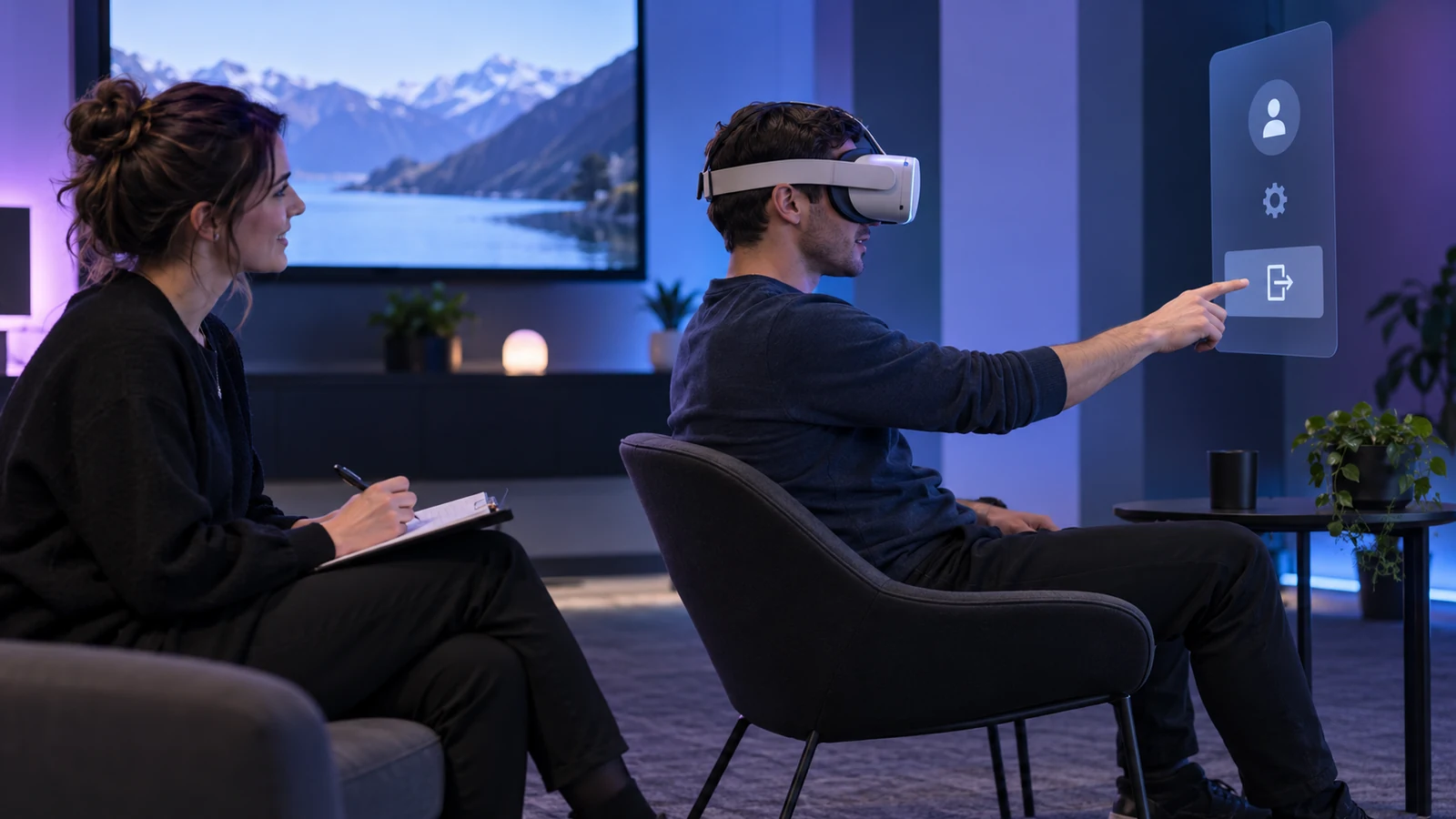
Design around the decision a player is making
A player may find the table quickly yet not know whether a stake is selected, submitted or accepted. Make state visible without requiring a learned gesture or a walk across a virtual room to check the account. Test how quickly each task can be understood, confirmed, paused and left.
Map actions and states, not just screens: enter lobby, open game, read rules, choose stake, confirm, wait and view result. For each state, list required information, allowed actions, return route and behaviour on service or tracking failure. This exposes dead ends such as a headset menu with no route back to account settings.
Keep the same hierarchy across AR, VR, desktop and mobile: game state, money, rules, main action, safer-play tools, then decoration. Placement may change by device; terms and meaning should not.
Keep the money layer fixed and readable
Keep balance, stake, potential return and net position in a readable, fixed text panel that does not move with the virtual table. Label currency and value before the service accepts a bet. Chips and colour may reinforce the number, never replace it.
Separate confirmation from increase, repeat and exit controls. After amount selection, require a fresh input. Show pending while the service responds and accepted only after its confirmation. A local animation cannot prove acceptance.
| Information | Placement | Failure to avoid |
|---|---|---|
| Available balance | Stable panel near the game view. | Representing it only as virtual coins. |
| Stake | Beside the control that changes it and before confirmation. | Hiding the numeric value behind an icon or colour. |
| Result and net position | Visible after settlement with a clear sign and unit. | Using celebratory effects without a readable result. |
| Pending action | Persistent status while the service responds. | Re-enabling the same action before status is resolved. |
Spatial navigation should not become a physical task
Rules, account and support should not require crossing a virtual casino. Put them in a stable menu, support seated use and adjustable tables, and offer recentering. Opening a safety tool should preserve state without starting another round by mistake.
Teleport and smooth movement carry different comfort costs; a casino lobby needs no forced walking to feel immersive. Use fixed destinations and optional movement. In AR, keep real exits and hazards visible and avoid placing content across a physical path.
Show a reliable way to pause, close the game and return to the regular account even if a controller disconnects. Do not hide back behind a small icon at the field-of-view edge.
Provide cues through more than one channel
Show a dealer's result as text, identify state changes with labels and give focused buttons names and shapes. Multiple channels support people who mute audio, use captions, have low vision or cannot distinguish colour reliably.
Keep control order and names consistent across modes. Changing Pause to Break in VR may obscure an equivalent action. Use short directions, visible status and cancellation; do not rely on undocumented gestures.
- Label controller, touch and gesture actions on the first use.
- Show focus and selection without relying on colour alone.
- Provide captions for spoken directions and a transcript for recorded instructions.
- Let users disable sound and decorative motion without losing information.
- Keep a flat 2D route for essential account tasks.
Safer-play tools are part of core navigation
Keep account summary and break access inside active play. Check after turning away from a menu, changing input or opening full-screen content. The number of steps should stay predictable before and after a round starts.
Start navigation testing from lobby, active play and account panel. Ask users to open limits, interpret the current value, check when changes take effect and find a break. Record labels, steps and recovery after reconnect; a route obscured by the headset is not accessible.
Use neutral visuals for safety. Never celebrate a larger stake or frame a break as lost access. Keep the break control reachable during animation and full screen.
Write for failure and uncertainty
Tracking, controllers, networks and graphics can fail. Give each failure a message and safe next state. For a pending action, check the server before saying it failed; after settlement, display the text result even if 3D rendering is unavailable. Let users reach support without leaving a transaction unresolved.
State the condition directly-tracking paused, reconnecting, checking round or settled. Avoid generic codes and animations. Store request ID and state with the service so refresh or headset restart can restore the session.
New Zealand minimum standards call for timely recovery from game interruptions and enough stored information to restore state where possible. Match interface behaviour to that rule and platform record; do not invent a client-side outcome.
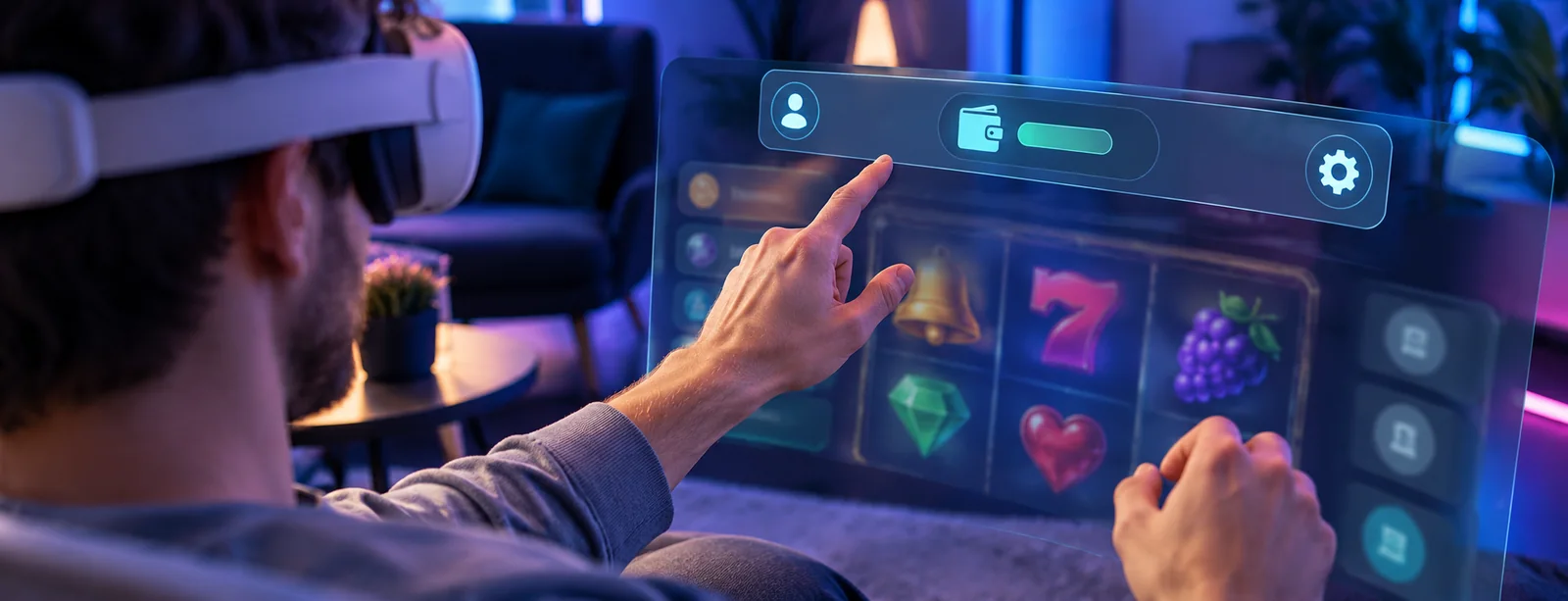
Evaluate task success and safety Inspection
Immersive UX measures
- Find rules and odds
- Measure:Completion rate and time without help.· Guardrail:Rules are available before a wager.
- Confirm a stake
- Measure:Amount recall and input error rate.· Guardrail:No accidental or duplicate wager.
- Set a break or limit
- Measure:Time to reach the control and understand the change.· Guardrail:Required wait and enforcement remain intact.
- Recover an interrupted round
- Measure:Successful state recovery by failure type.· Guardrail:No unresolved result or missing account event.
- Exit immersive mode
- Measure:Time to pause or leave from each input method.· Guardrail:Account settings remain available afterward.
Headset and flat modes should share limits, rules and session status. Reduced motion, alternate input and scalable text must not create a separate route that drops account controls.
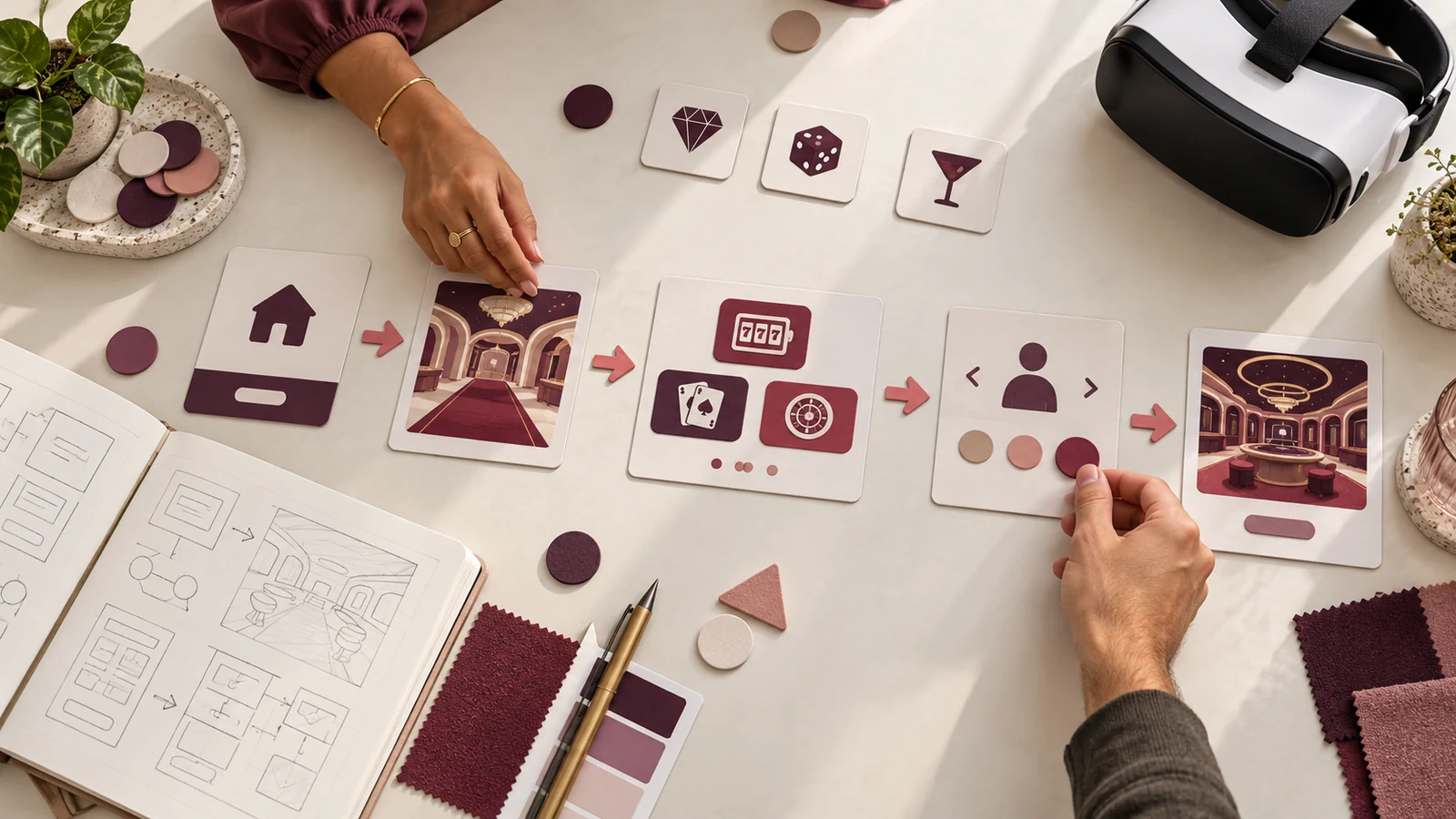
Prototype the interaction in text before building the room
Write labels and state order before building the room. A plain storyboard can show game state, selected control, confirmation and recovery. Review it with compliance and support before investing in full spatial assets; missing states cost less to fix on paper.
Test spatial placement in a grey-box scene. Check whether rules, time, account and exit are reachable without walking, and whether stake and score stay readable at intended distance. Use a flat panel if geometry gets in the way.
Keep approved control names in a shared glossary across headset, mobile and browser teams.
Design for the return path after a break
On resume, show the current account and game state before another action. Say whether the previous round settled, is pending or was cancelled. Do not send users directly into a bright animation that implies continuation.
Keep safety settings on the return screen. After a time-out, show the setting and time before play can resume; users may instead return to their account or leave the room.
Test resumption after headset sleep, app suspension, timeout and manual break. Use the same state model on each device.
Measure the path through a complete session
Review more than the first successful entry. Observe rule finding, balance checks, accessibility changes, pause, reconnect and break Inspection. Record steps, labels and confirmation. Test both headset and flat use because players may switch devices. Keep task completion apart from room time or repeat visits; longer sessions are not proof of good navigation.