Keep sports context separate from the wager
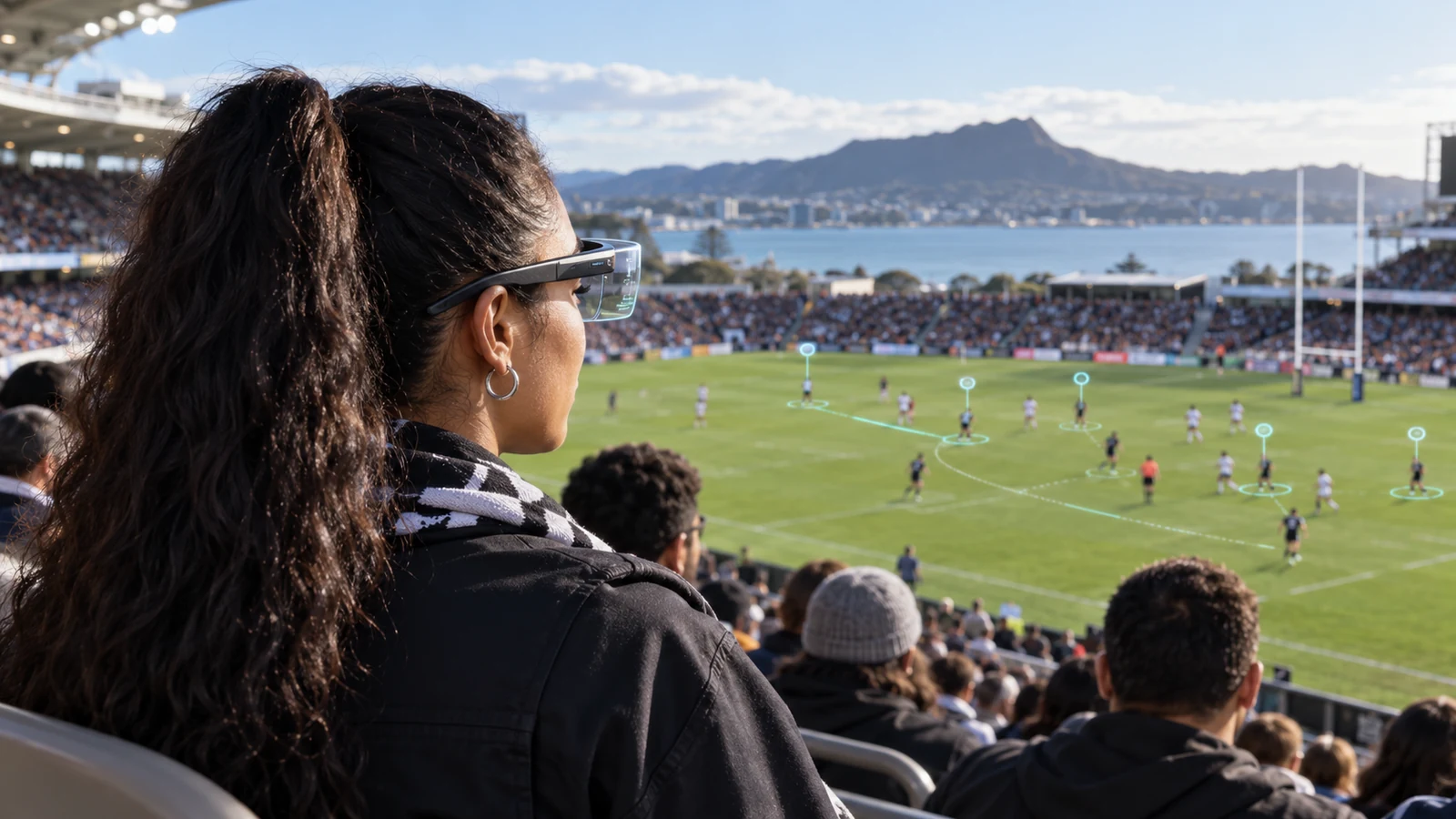
An AR rugby view might add score, player movement and a live stat; a nearby button could turn it into a betting flow. Label the source of each overlay and separate viewing, odds and wager entry. In New Zealand, sports betting follows a framework distinct from online casino licensing.
DIA says online racing and sports betting in New Zealand is currently permitted only through domestic provider TAB NZ and its brands. Online casino rules are separate. Placing a sports event in VR does not recategorise the wager or remove its restrictions.
Identify whether a score is official, delayed or estimated, include its source time and distinguish an informational probability from an operator's price. If an AR match view is stale, it must not resemble a live market signal.
Use AR for information that benefits from place
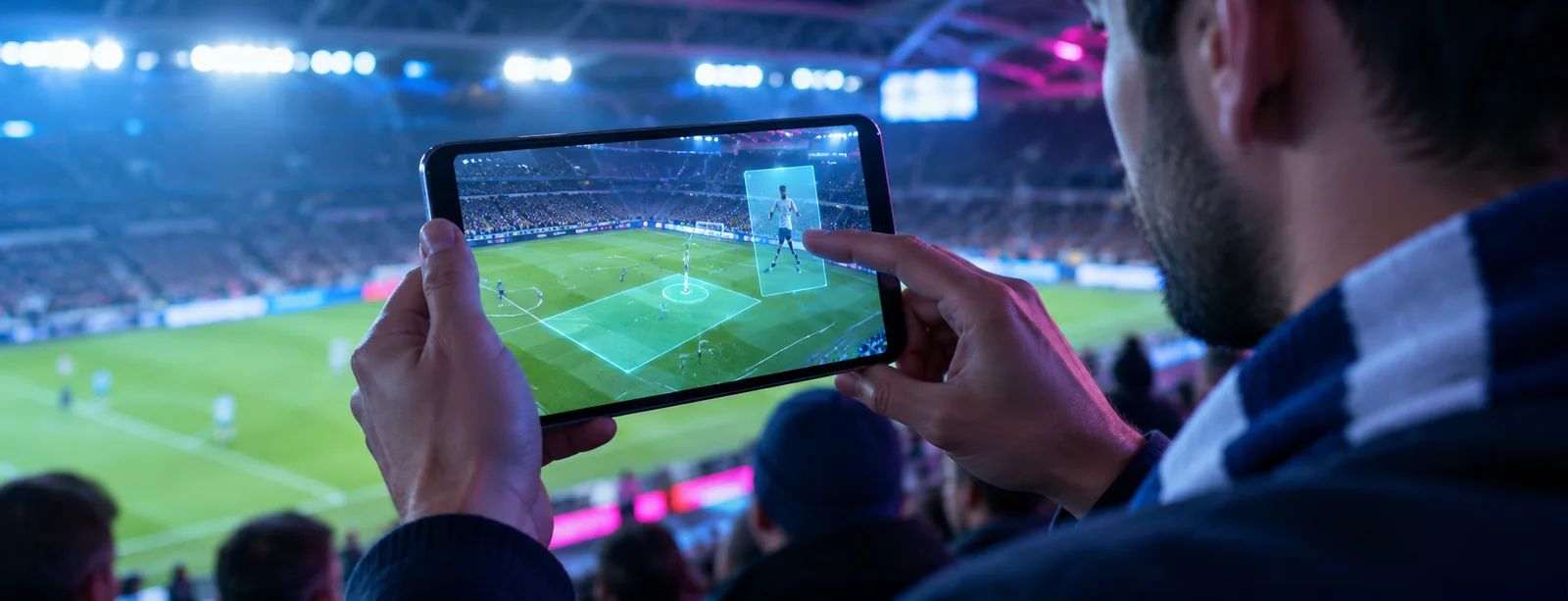
On a phone, AR can anchor a player map, label a boundary, show event history or compare current and earlier positions. Keep it readable without filming spectators or restricted areas. Holding a phone up can block views and distract, so include a compact touch-first layout.
Sports context may include score, clock, formation, statistics, replay labels and official status. Use text and pair colour with labels or icons. Let users hide or pause overlays and return to standard view. Keep wager controls away from player images and camera-activated areas.
At a stadium, check GPS and compass, lighting, glare, coverage, battery and venue rules. Provide low-data or offline display for information. Do not call AR measurements or tracking official unless the source supports that claim.
VR viewing rooms need moderation and clear roles
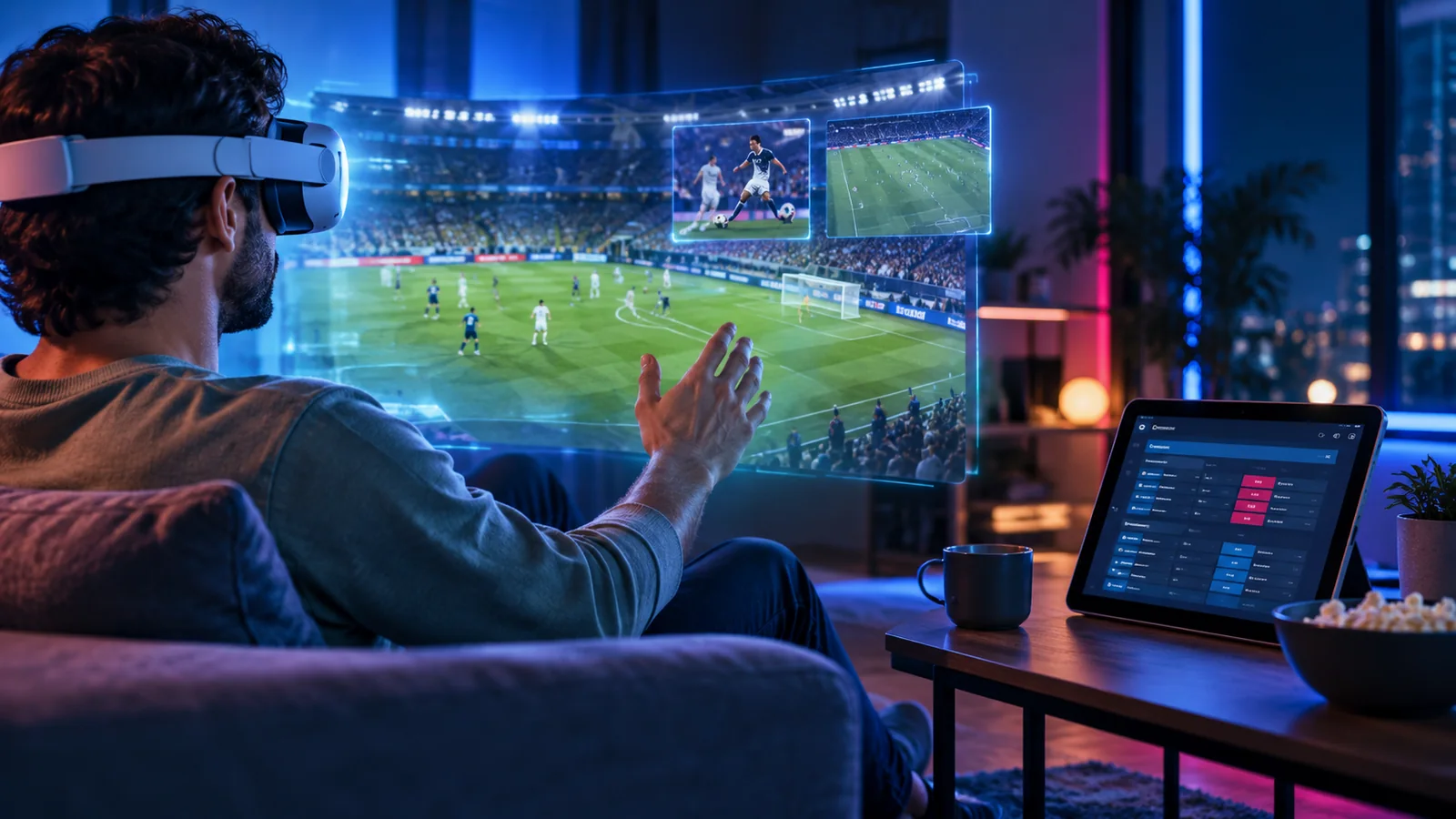
A virtual sports lounge may combine shared screens, commentators, friends and statistics. Identify real participants and automated voices, and explain recording. Provide mute, block, report and personal-space controls; keep account details private from the room.
Social discussion can shift into pressure to bet. Separate match information from peer activity, hide stakes and balances, and do not use avatar expression or movement to decide what offer to show.
Offer a fixed seat and flat viewing mode for people who avoid movement. A headset cannot be required for the match or account. Privacy and safety controls should remain available after the user leaves the room.
Make data freshness visible
Sports feeds may come from rights holders, competitions, broadcasters or third parties, each with distinct delay, corrections and coverage. Store feed ID and timestamp with displayed values. If a score changes or a feed pauses, show the new status instead of implying the old number is current.
Sports overlay data checks
- Score and clock
- Check:Compare feed timestamp with event time.· User-facing label:Live, delayed, paused or corrected.
- Player location
- Check:Check tracking source, coverage and coordinate accuracy.· User-facing label:Estimated position or official tracking.
- Odds or market price
- Check:Confirm current source and legal product context.· User-facing label:Price time and market status.
- AR marker
- Check:Confirm camera orientation and anchor stability.· User-facing label:Tracking active or overlay paused.
When data is delayed, do not place a fast wager button beside an old price. Show a neutral status and require the platform to verify current data before accepting a transaction.
Immersion does not remove betting safeguards
When betting is available, display event, selection, live price, stake and potential return in text before sending. Require a fresh deliberate confirmation. Gaze, hand movement or phone rotation cannot submit the wager. Keep time, history, limits and support available outside immersive mode.
The service decides eligibility, balance and market status. A headset or phone may collect input but cannot accept a wager locally. Use an action ID to prevent duplicates after reconnect; show pending status and confirm from the service.
Label the sports feed separately from market status. A score may remain useful after betting closes, while odds and controls must match current provider service. Show timestamps so old values do not appear live.
Privacy and sensor access need a narrow purpose
AR and VR features may request camera, location, motion or microphone access. Map each sensor to a purpose and processing route. An overlay does not need facial identification; a stadium guide may need approximate location but not a stored movement history.
Graphics can be placed over the camera view without retaining a viewer image. Process locally when possible, explain permissions where requested and offer a non-camera way to see the same statistics. Keep viewing analytics out of account or wager decisions.
Provide manual alignment when compass tracking is unreliable. State whether camera data stays on device or reaches a service. Remove temporary scene data after use unless a documented need justifies retention.
Test the whole sports-viewing task
Measure whether users can read scores, pause overlays, detect delay, leave rooms, refuse camera and find account settings. Test bright venues, outdoor use, unstable coverage and seated headsets. Evaluate financial flows only in an approved controlled environment.
- Track stale-data exposure and time until the overlay flags a feed delay.
- Measure false selections and accidental wager attempts by input method.
- Check battery, thermal and network cost for a complete match period.
- Test screen-reader, captions and colour-independent score labels.
- Review the display of odds and promotions under current New Zealand rules.
An overlay adds context over a live match; an avatar represents a person in a shared space. Neither should imply certainty or make wagering easier without explicit confirmation.
Keep sponsorship and live data claims bounded
Review sponsor logos, prices and links as separate content. Before showing a wager route, verify source, rights, timestamp, market state and legal status. Do not style a tracking estimate as an official statistic or an offer as neutral editorial context.
Keep the original sports value, correction time and source after an official update so the interface can show what changed. If the feed is missing or delayed, replace the number with an unavailable state instead of leaving it under a live label.
Include sponsor and odds placement in screen review. A statistic may help viewing when betting is unavailable; a promotion must not look like neutral match data. Identify feed owners and promotion approvers.
Protect the viewing task from the betting prompt
Let people hide odds and promotions while watching. Separate score, clock and replay from money actions. Label source and time for any odds; before submission, show NZD stake and require a new confirmation.
Do not place wager controls where people tap to expand stats or turn the camera. Confirm selection and amount on a separate screen. If the market closes, reject the request and explain that it is no longer open.
After market close, replay the screen: the score should remain while stale prices and wager prompts disappear.