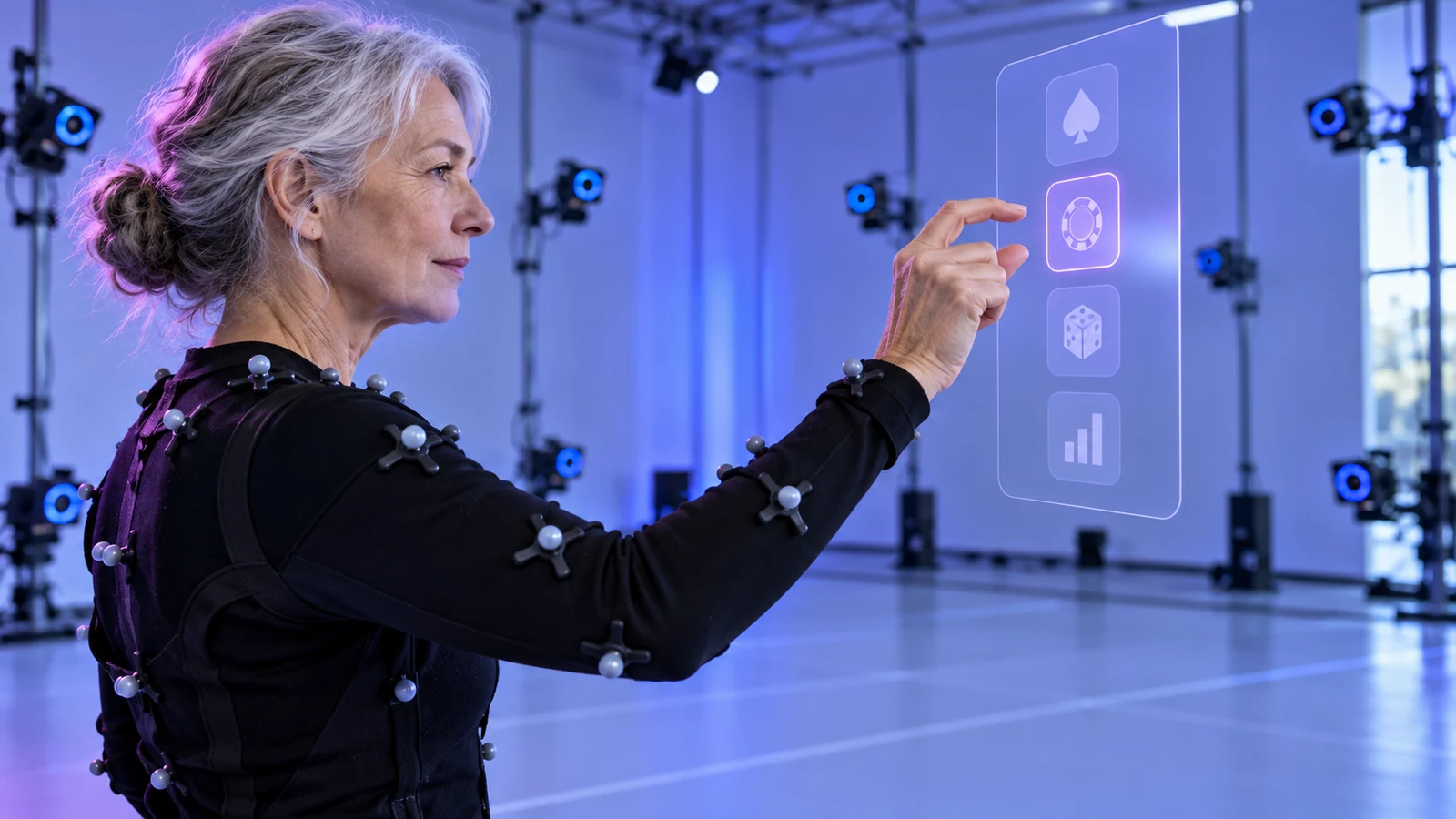
Tracking input is not the same as identifying a person
Buttons have distinct press and release points; a hovering hand over a start panel does not. Camera noise, fatigue and small movements can change recognition. Map each gesture deliberately, set a confidence threshold and provide a harmless test before movement can affect a wager or game.
Pinching to open a menu is an input method; using gait or voice to identify a person serves another purpose. The Biometric Processing Privacy Code may cover automated verification, identification or categorisation, and other identifiable data may fall under the Privacy Act. Do not give account identity to a gesture recogniser without need.
Define the feature's data boundary. State whether pose is processed on-device, sent to an app, retained as movement history or used for inference. Available sensors are not automatically necessary.
Map a gesture to one clear action
Each gesture needs start, active, confirmation and cancellation states. Pinch may point while held; it must not also submit a wager when tracking crosses a threshold. Swiping can move a carousel without changing stake. Require a second deliberate input for consequential choices.
| Action | Suitable input pattern | Guardrail |
|---|---|---|
| Move a virtual panel | Grab and drag with a visible anchor. | Provide reset position and a menu route. |
| Open rules | Point, pinch or controller press on a labelled button. | Do not depend on gaze dwell alone. |
| Change display setting | Use a slider or step control with a preview. | Keep a keyboard or controller alternative. |
| Select a stake | Set amount, display it in text and require a fresh confirmation. | Prevent a continuous gesture from submitting the wager. |
| Start a new game round | Release, then make a separate deliberate activation. | Apply server-side round timing and duplicate-request protection. |
Set confidence, hold time, cancellation and timeout per action. Do not activate as soon as a hand enters a region. Use focus and text labels to show the expected result before confirmation.
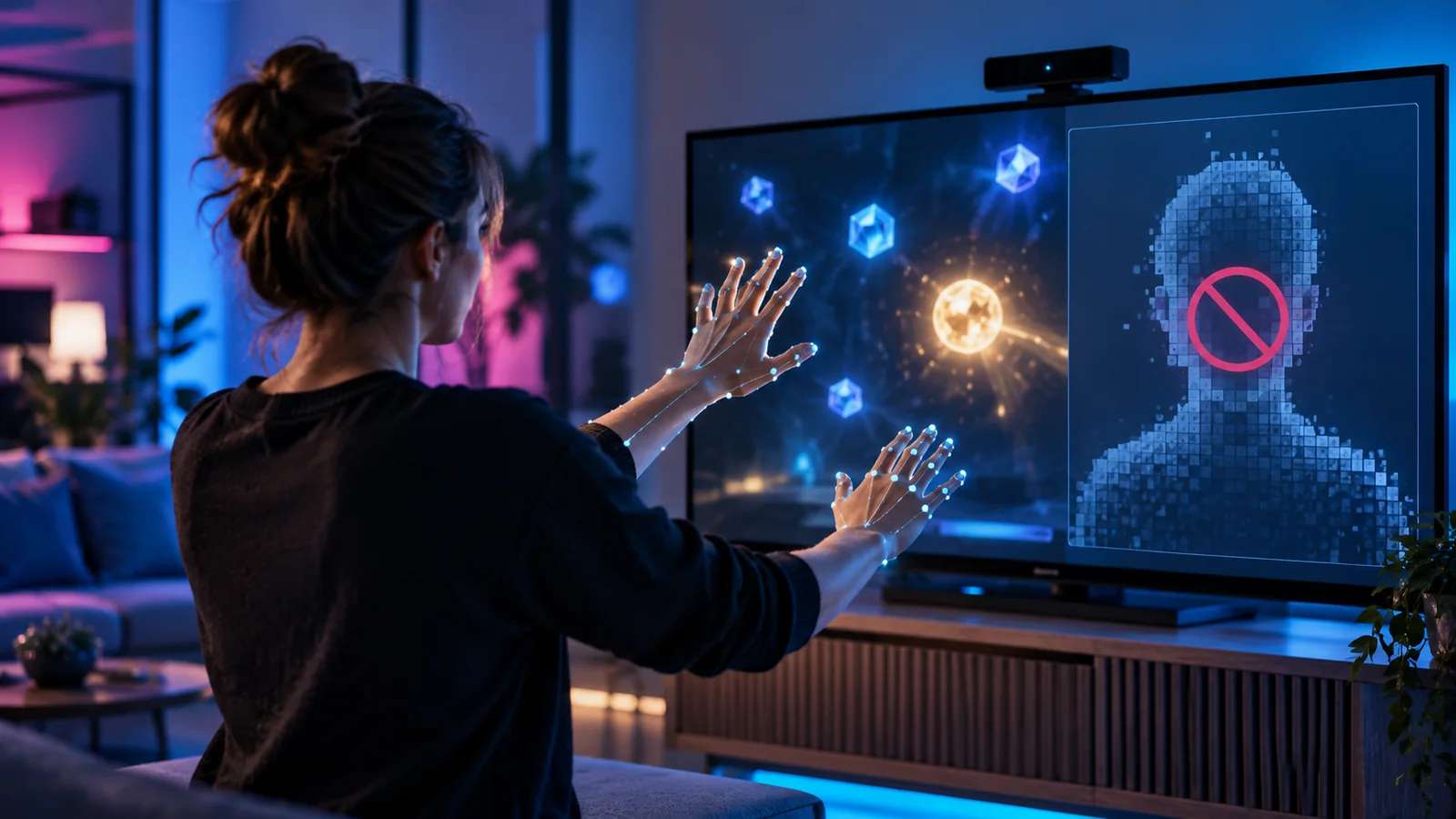
Handle noisy motion without punishing the user
Tracking changes with visibility, hand position, light, occlusion and device load. A hand may leave camera view; a user may have tremor, limited reach or fatigue. Do not interpret uncertain input as repeated intent.
Use hysteresis and debouncing to stop flicker from toggling controls. Require stable activation and a separate release or confirmation for high-impact actions. If tracking is lost, freeze selection and show how to recover; do not jump to a different option when a hand reappears elsewhere.
- Show when a hand or controller is being tracked and when it is not.
- Keep the last selected value visible while the user repositions.
- Separate navigation gestures from financial confirmation.
- Allow a controller, keyboard, touch or button route for the same task.
- Test with short, long, fast and tremulous movements and with hand occlusion.
Use multiple input profiles
Controllers give tactile buttons; hand tracking frees hands but depends on camera visibility; gaze can point without reach yet may activate accidentally; voice depends on microphone, room and privacy choice. No single input suits every person. Offer a deliberate route for each essential task.
Offer consistent input profiles for select, activate, back, pause, adjust and confirm. Safety tools should use familiar controls, not a separate gesture to learn. Make motion input optional where possible and support seated use without full arm extension.
OpenXR and engines such as Unity provide common XR input routes, but devices differ. Test with a controller, hand tracking and a regular pointer or touch input. Record unsupported combinations in the compatibility matrix.
Accessibility standards shape gesture controls
WCAG 2.2's motion-actuation criterion calls for an interface alternative to functions triggered by device or user movement, and a way to disable that response unless motion is essential. In XR, offer a button instead of wrist rotation and let users switch off accidental motion activation.
Use large targets, predictable focus, labels and clear cancellation. Pause and exit cannot depend on a double tap or complex gesture alone. Let users change hand and reach settings, keep a stable panel in view and provide a standard menu without tracking.
Test tasks with users who move differently; a gesture may register yet remain tiring, unclear or hard to undo. Before staking, the person needs to see the input result and reverse it.
New Zealand gambling rules require deliberate input
New Zealand's 2026 minimum standards require a deliberate separate action for each round, prohibit auto-start and prevent continued pressure on a control from starting play. Apply the same rule to gestures: held pinch cannot repeat a round, and a stationary hand over Start cannot launch another game.
The standards also require visible time and access to limits, breaks, time-outs and alerts. Make these work through every input profile. If time-out occurs during hand tracking, block wagers at account level and explain why in text; gestures cannot override the account state.
Run separate acceptance tests for a gesture demo and a wagering release. In the latter, verify start, cancel, pause and account actions against conventional client rules. Hand tracking must not create a new way around a blocked action.
Test the signal and its consequences
Motion-control test plan
- Focus selection
- Measure:Selection accuracy and time to locate a control.· Safety check:No action occurs until an explicit activation.
- Tracking loss
- Measure:Recovery time and number of unintended focus changes.· Safety check:Pending wager remains unchanged.
- Fatigue and reach
- Measure:Completion and correction rate over repeated tasks.· Safety check:Seated and low-reach alternatives work.
- Gesture hold
- Measure:Number of repeated activations while input remains down.· Safety check:One deliberate action produces at most one request.
- Permission refusal
- Measure:Fallback completion rate.· Safety check:Account, rules and exit remain usable.
Measure missed and accidental activations separately. A control with few misses but frequent unintended triggers is unacceptable. Guard against duplicate requests, accidental stakes and failure to reach break or exit.
Specify which movements stay local and which other participants can see in mixed reality. Make that boundary clear before poses, avatar gestures or room movement affect shared interaction.
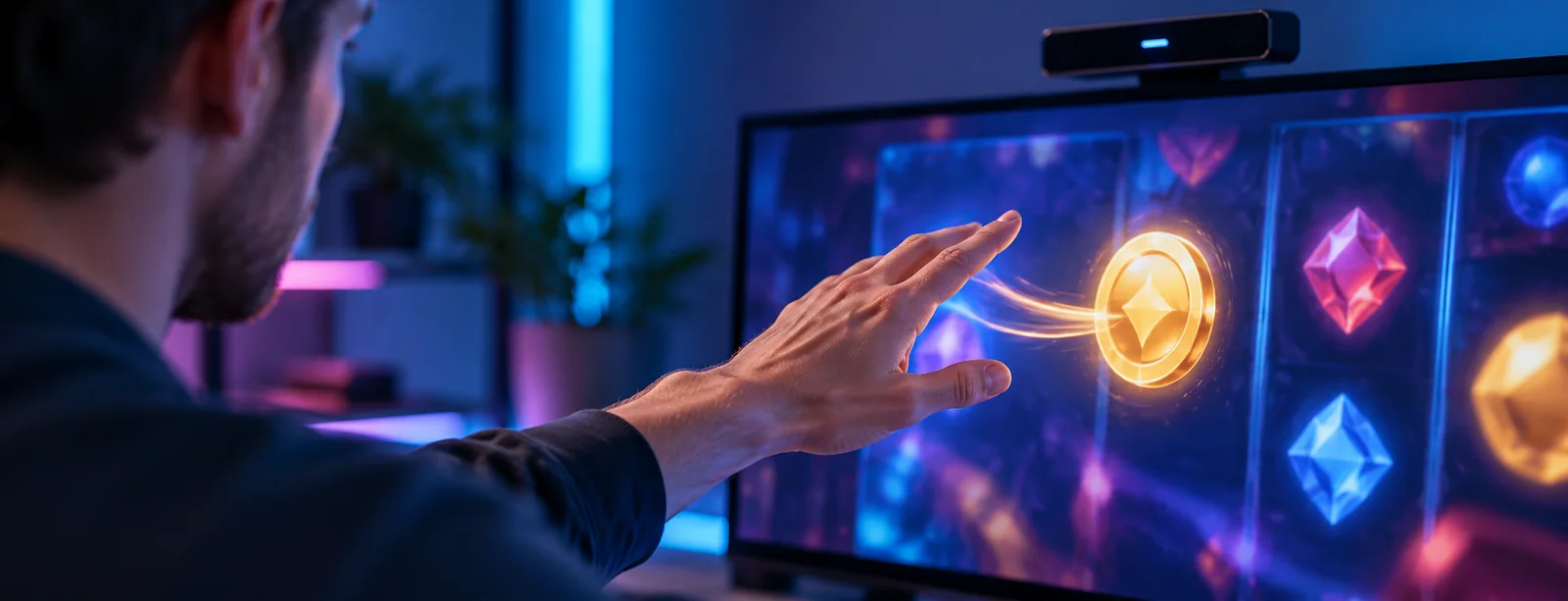
Give every gesture a cancellation route
Before commitment, show the selected control and a clear back-out route. Expose pointer, selected, pending and accepted states. If confidence falls before confirmation, keep the action unsubmitted and offer another input method.
Test background hand motion, headset recentering, controller pairing and fit adjustments for accidental triggers. These everyday movements can resemble input. Stakes and round starts need explicit confirmation, not the navigation gesture used around the table.
If the task only needs the selected control, store an input event ID instead of a continuous hand-pose stream. Smaller event records reduce exposure and ease auditing.
Calibrate to the space a person actually has
During calibration, log tracking status, chosen input and server response so controller or touch fallback can be checked without retaining continuous pose.