Separating functional AR game mechanics from surface novelty
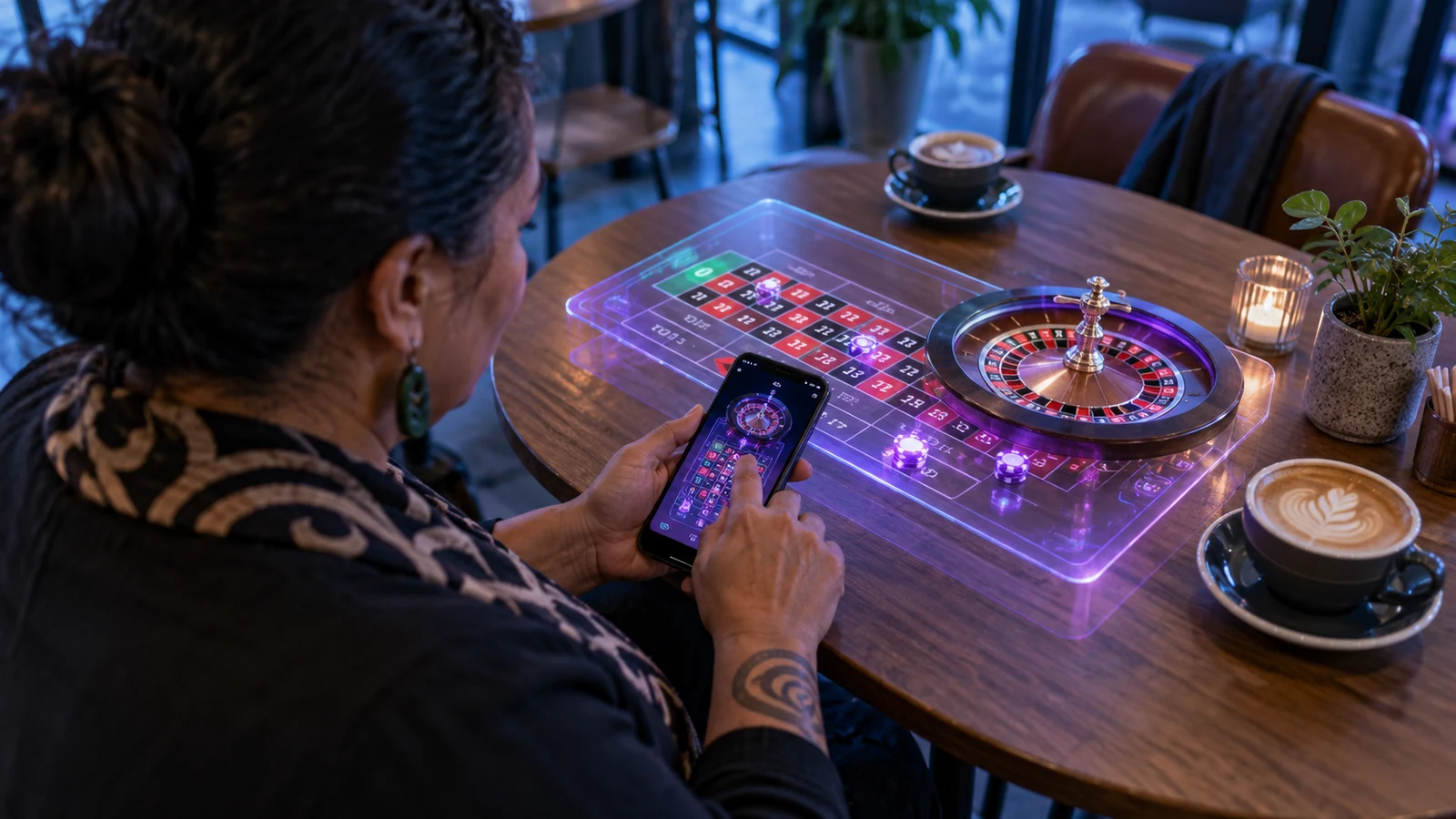
An augmented reality casino application places a three-dimensional table, wheel or statistics panel into the player's physical room through a smartphone camera or passthrough headset. That visual projection changes how the scene is inspected, but it does not alter the mathematical model, the random number generator or the authoritative settlement ledger on the server. When teams treat the spatial view as the game itself rather than a viewport, tracking drift and lighting shifts quickly turn into usability failures.
A sound product specification separates the spatial stage from the transactional control plane. The 3D table surface handles perspective, ball or card animation and table layout inspection. A locked screen-space HUD handles stake selection, bet confirmation, NZD balance display, session timers and harm-minimisation tools. If the camera loses its horizontal plane anchor on a glass coffee table, the player must still see their active wager and be able to pause or exit without recalibrating the room.
Four application archetypes and their operational trade-offs
| Application archetype | Core player task | Primary technical constraint | Mandatory fallback |
|---|---|---|---|
| Table-top roulette and blackjack | Place a scaled 3D table on a desk or floor to inspect wheel pockets, felt sectors and payout zones from any angle. | Small felt betting zones become hard to tap accurately when viewed at a shallow camera angle on a 6-inch handset. | 2D overhead betting grid drawer that opens automatically during the stake-placement window. |
| Live studio AR telemetry overlay | Project real-time multiplier history, hot/cold statistics and round timers alongside a live video stream. | Synchronising 3D graphics with WebRTC or low-latency HLS video frames so overlays do not lag behind the studio presenter. | Pinned flat data panel synced to server round timestamps when spatial mode is disabled. |
| Spatial slot and prize-drop stages | Render reel assemblies or physics-based bonus boards in room space for short interactive rounds. | Sustained GPU shader load and camera capture raise handset temperature and battery drain after 10-15 minutes. | Instant toggle to standard 2D canvas mode without interrupting the active round state. |
| Multi-user shared table preview | Allow two or more people in the same or remote spaces to view a common table state during a social demonstration. | Cloud anchor resolution latency and strict privacy rules against uploading raw domestic room imagery. | Shared room code using abstract table coordinates rather than shared camera feeds. |
Input precision: why raycasting onto 3D felt fails on mobile screens
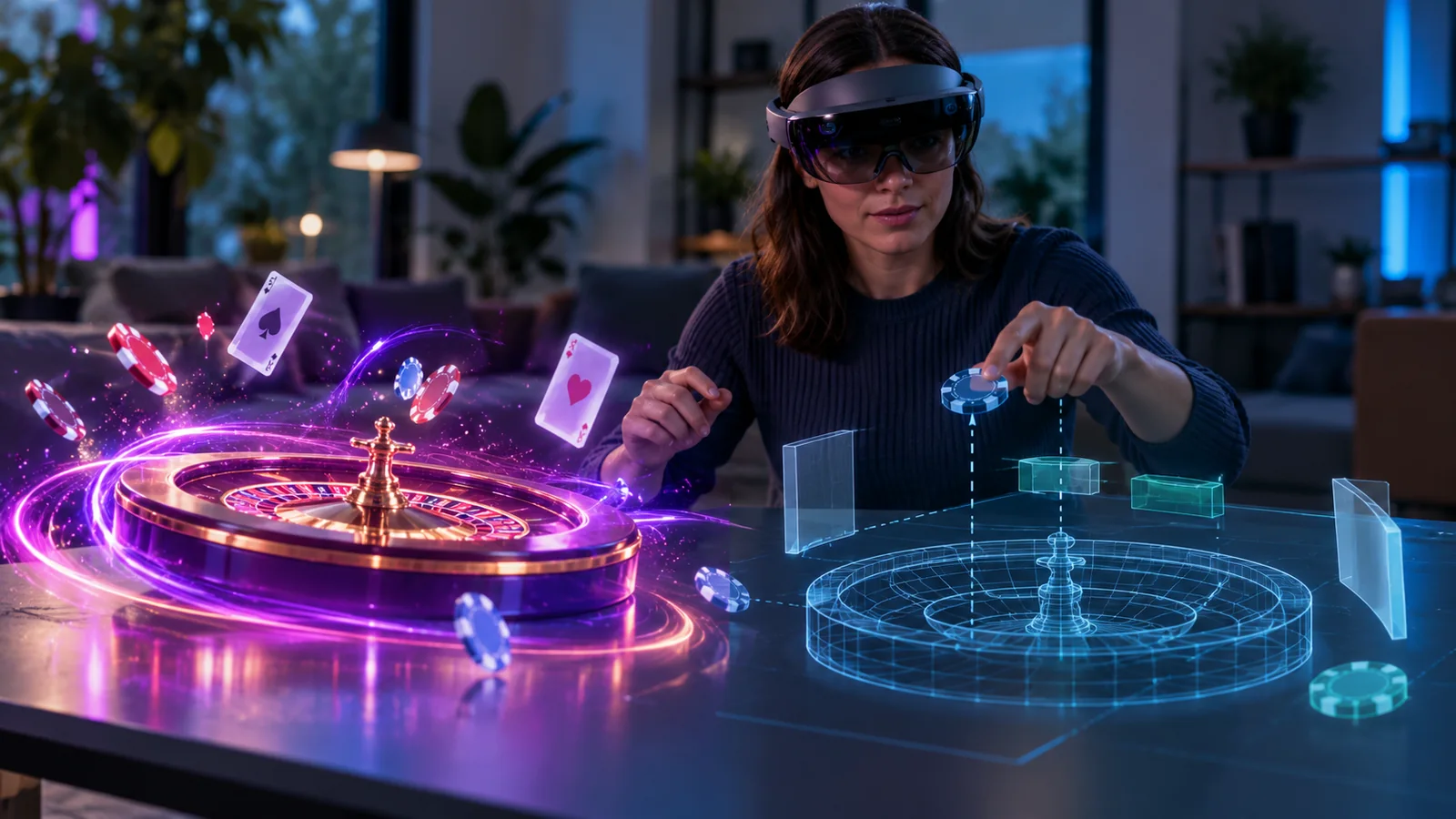
In a traditional two-dimensional table game, every betting box has a predictable pixel footprint. In an AR application, a player holding a phone with one hand constantly shifts pitch and distance. A split-bet boundary on a roulette layout that subtends 44 pixels when viewed from directly above may shrink to 9 pixels when viewed from a comfortable seated angle. Relying on direct 3D raycasting for monetary input produces mis-taps and disputed stakes.
- Use the 3D spatial view for inspection, camera orbiting and outcome playback, while routing chip placement through a stabilised 2D control tray.
- When spatial target selection is supported, highlight the resolved bet zone in high-contrast text and require an explicit two-step confirmation button on the fixed HUD.
- Lock bet inputs automatically if device angular velocity exceeds safe thresholds (for example, while the user is walking or repositioning the handset).
- Display all monetary denominations in clear text (`NZ$1.00`, `NZ$5.00`) alongside chip colours so lighting casts never obscure stake value.
Browser WebXR vs native ARKit and ARCore wrappers
Delivery architecture determines which sensors an application can access and how frequently users encounter permission friction. Browser-based WebXR avoids app-store distribution constraints and allows instant loading from a web lobby, but iOS and Android browsers differ in how they expose hit-testing, lighting estimation and raw camera frames. Native wrappers built with Unity AR Foundation or native SDKs offer steadier plane persistence, at the cost of larger downloads and strict store review policies for real-money gambling apps.
| Delivery path | Plane tracking stability | Initial load budget | Key operational risk |
|---|---|---|---|
| WebXR + Three.js / Babylon.js | Moderate; depends on browser engine support and device IMU calibration. | 2.5 MB - 6.0 MB compressed glTF + KTX2 textures. | Inconsistent WebXR AR module support across mobile browsers requires an automatic 3D-on-canvas fallback. |
| Native wrapper (ARKit / ARCore) | High; hardware-tuned SLAM with reliable plane merging and light estimation. | 45 MB - 120 MB app bundle plus dynamic asset packs. | App store age-rating, geolocation verification and New Zealand licensing compliance gates. |
| Gyro-assisted 3D viewport (No camera) | High; uses device orientation sensors without opening the optical camera feed. | 1.8 MB - 4.5 MB web bundle. | Does not anchor to a physical table, but eliminates camera privacy prompts and low-light tracking failures. |
New Zealand regulatory guardrails and on-device privacy
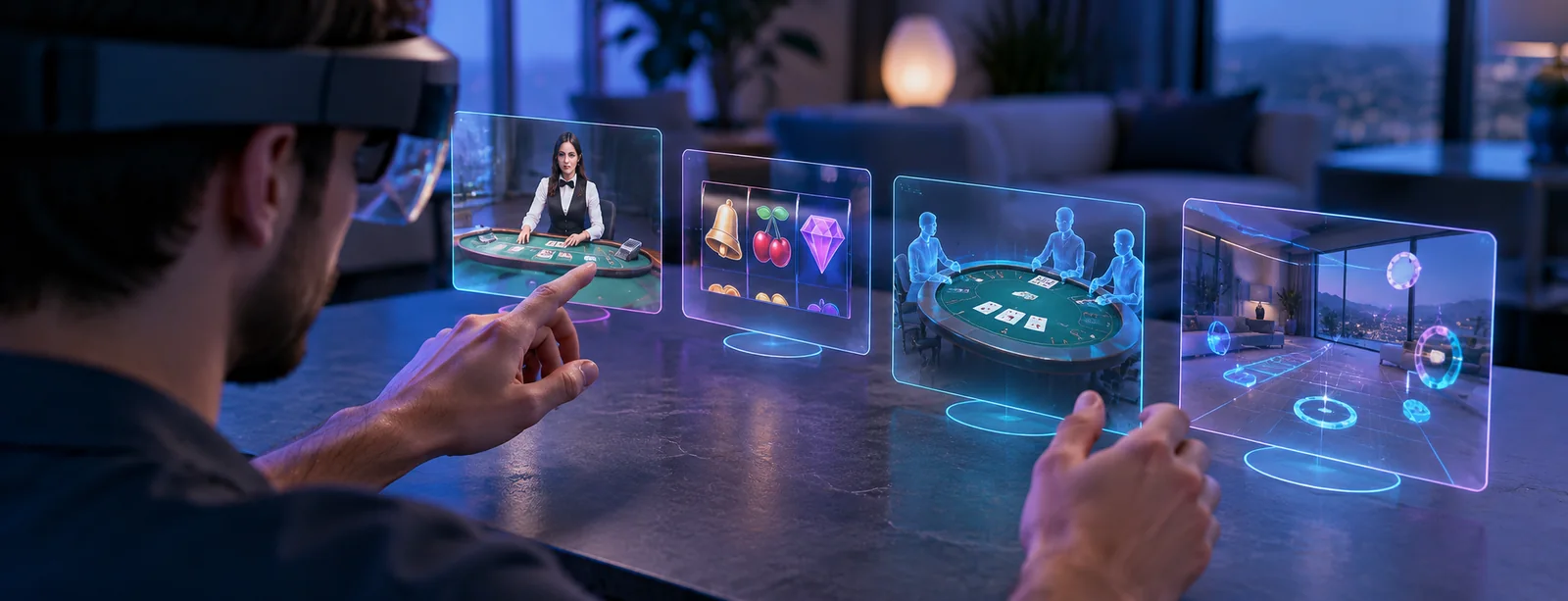
Under the New Zealand Privacy Act 2020 and Department of Internal Affairs (DIA) harm-minimisation expectations, an AR casino application must justify every sensor permission it requests. Opening a live camera feed inside a private home exposes bystanders, documents and personal surroundings. Plane detection and local pose estimation must execute entirely on the handset processor; raw camera frames or room point clouds must never be transmitted to operator servers.
Session awareness is equally critical. Immersive overlays can mask environmental cues that normally remind a player how much time has passed. Keep the local New Zealand time, elapsed session duration, net position in NZD and a single-tap Deposit Limit / Take-a-Break control permanently pinned in the top HUD bar, regardless of where the player points the camera.